Skip to content
Join our Discord for updates & support Discord

Additional Game Settings – Extra Pause Menu Options V1.2.0.2

—/5, 0 ratings

Your rating

Creator: Rockstar

File verified — safe
All 75 security engines found this file clean.
Last checked: 2026-11-15
Security report

Features:

  • Toggle HUD/interface visibility
  • Toggle crosshair visibility
  • Switch between 12-hour and 24-hour time formats
  • Show current in-game date
  • Enable fade effect when switching cameras
  • Toggle dialog box visibility
  • Display a fill level indicator above trailers
  • Adjust camera movement smoothness
  • Start the engine by pressing the accelerate key
  • Auto-start savegame after loading completes
  • Hide non-mod/DLC items in the shop
  • Adjust environment lighting, depth of field, and wild animal visibility

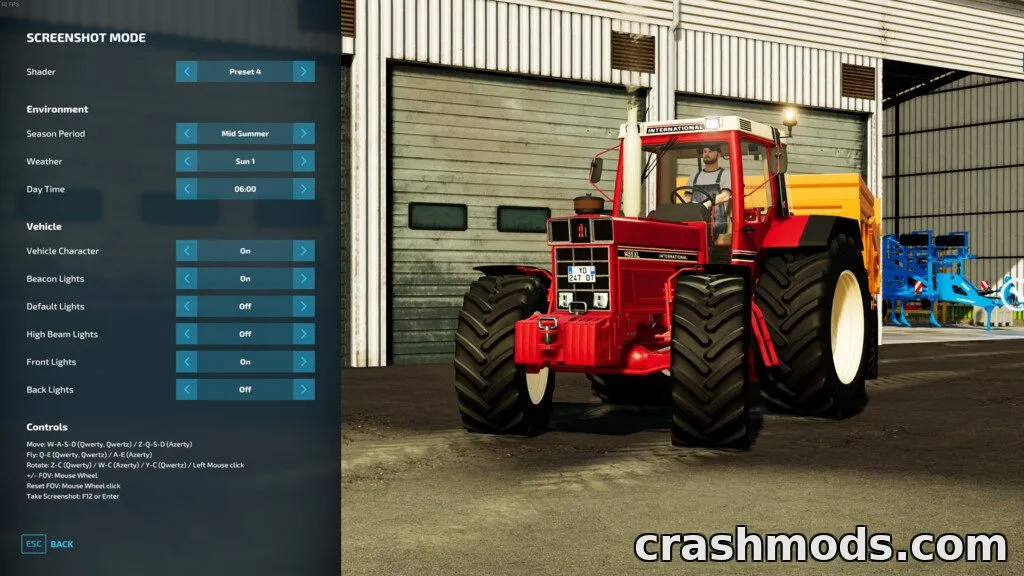
Additional Game Settings adds a dedicated settings tab to the in-game pause menu, giving players direct control over a range of interface and gameplay options without needing external tools.

The tab lets you adjust HUD and crosshair visibility, switch time formats, show the current date, enable camera fade effects, toggle dialog boxes, display a trailer fill indicator, smooth out camera movement, simplify engine starting, auto-load savegames, hide non-mod shop items, and fine-tune lighting, depth of field and wild animal visibility.

It's aimed at players who want a more customizable and streamlined experience, tweaking small quality-of-life details directly from the pause menu instead of digging through separate configuration files.

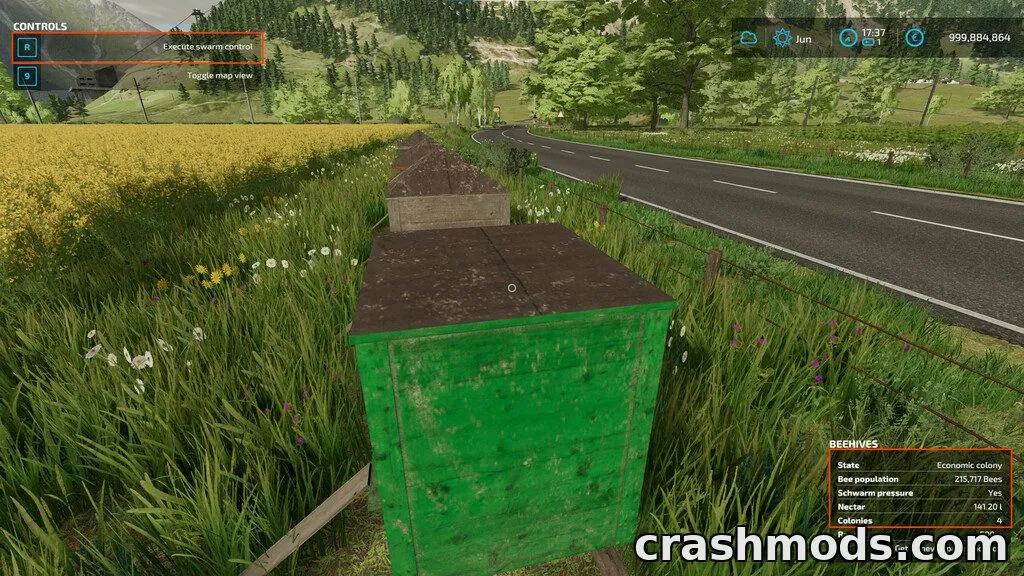
✅ Description reviewed by the CrashMods Team

Changelog

V1.2.0.2:
- 1.1.0.0: Added clock color option, improved lighting settings, minor improvements
- 1.2.0.0: Fixed a resource error when buying a stone collector, improved lighting and date settings, fixed flashing fill indicator issue
- 1.2.0.1: Fixed save loading on maps without added wild animals, added option to disable center-screen notifications
- 1.2.0.2: Fixed a crash related to the visible trailer fill indicator
Frequently asked questions6 questions

Additional Game Settings – which game and version is it for?

This mod was made for Farming Simulator 22 (game version: 1.13.x). The mod's own version: V1.2.0.2. After a major game update, older mods may stop working — check the version before installing.

Additional Game Settings – how do I install it?

Copy the .zip file to the Documents/My Games/FarmingSimulator20xx/mods folder (the folder for your game version), then enable it in the in-game mod list.

Is the download safe?

We checked the file with VirusTotal: none of the 75 antivirus engines flagged it. The full report opens from the "Verified" badge on the mod's page.

How big is the download?

The mod's file size is about 46.0 KB.

Additional Game Settings – who made it?

The mod's original creator: Rockstar.

Is the mod free?

Yes, downloading from CrashMods is free; registration is not required.

What’s inside the package?23 files · 174.4 KB unpackedScripts & code 9Textures 1Config & text 13Show filesHide files

Folders, file names and sizes, read from the downloadable archive.

Scripts & code — names only, these files cannot be opened: AdditionalSettingsFrame.lua, AdditionalSettingsFrameReference.lua, AdditionalSettingsManager.lua, AdditionalSettingsUtil.lua, EasierEngineStarting.lua, main.lua +3 more

Package
  • AdditionalSettingsFrame.xml16.1 KB
  • AdditionalSettingsFrameReference.xml376 B
  • colorGrading.xml795 B
  • colorGradingNight.xml791 B
  • lighting.xml4.1 KB
  • name.xml178 B
  • l10n_de.xml4.8 KB
  • l10n_en.xml4.5 KB
  • l10n_fr.xml5.0 KB
  • l10n_pl.xml5.3 KB
  • l10n_ru.xml6.0 KB
  • AdditionalSettingsFrame.lua6.7 KB
  • AdditionalSettingsFrameReference.lua631 B
1–20 / 291 / 2

Download Get the latest version of this mod and enjoy!

Mod version: V1.2.0.2 Farming Simulator 22 1.13.x 1 day ago 46.0 KB
Additional Game Settings – Extra Pause Menu Options V1.2.0.2 46.0 KB Farming Simulator 22 Download File

The file is on ModsDrop, our own storage.

  • Scannedwith VirusTotal
  • EU serversFast & reliable
  • Free downloadNo registration needed
  • Latest versionAlways up to date

More Farming Simulator 22 Gameplay mods

Uploaded by

Kiro_8036
Kiro_8036 LITE
  • 1,498 mod
  • 1 follower
  • 1,987 download
  • Registered 2 months ago

Community screenshots

Screenshots from players using this mod. Add yours — images only (JPG, PNG, WebP).

No community screenshots yet — be the first!

Leave a comment