Skip to content
Join our Discord for updates & support Discord

Dash GPS Map – Custom Navigation Style V1.0

—/5, 0 ratings

Your rating

Creator: Superneo10

File verified — safe
All 75 security engines found this file clean.
Last checked: 2026-11-09
Security report

Features:

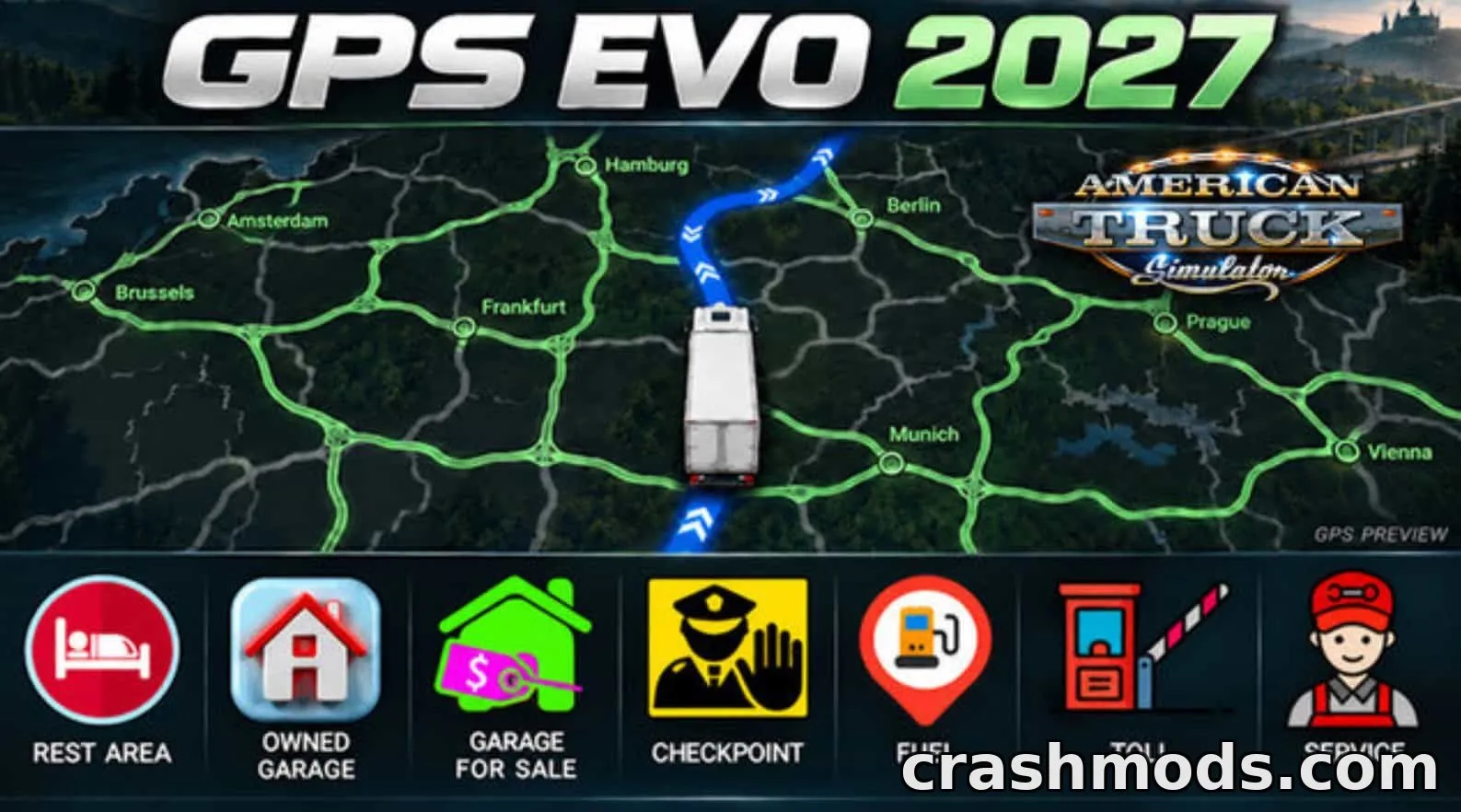
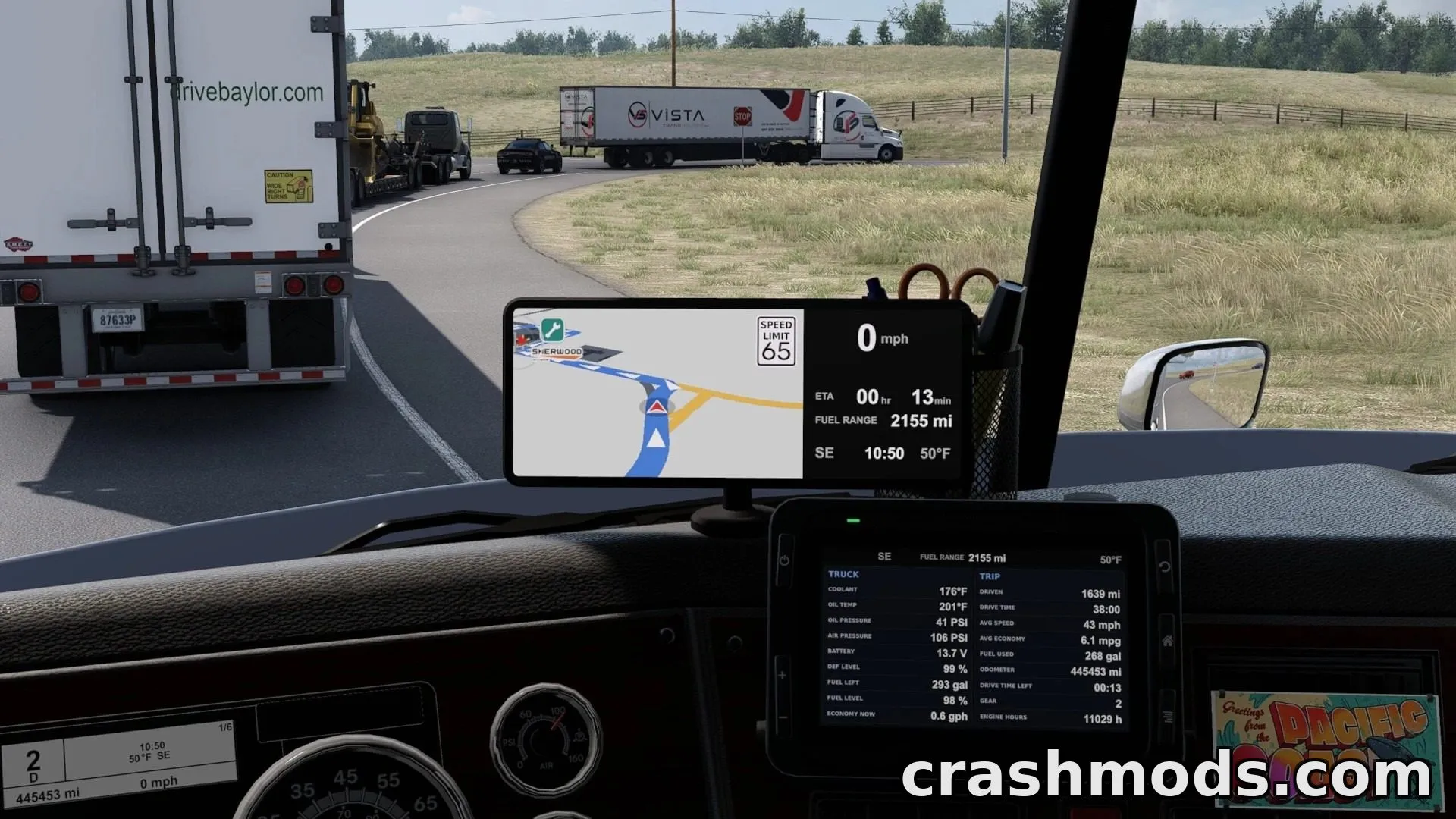
  • Blue route line with white turn arrows and brighter highlight for the current stretch
  • Red player arrow with white outline for easy visibility
  • Custom matching icon set for fuel, rest stops, service, weigh stations, dealers, recruitment, garages, and more
  • Gold icon for your own garage
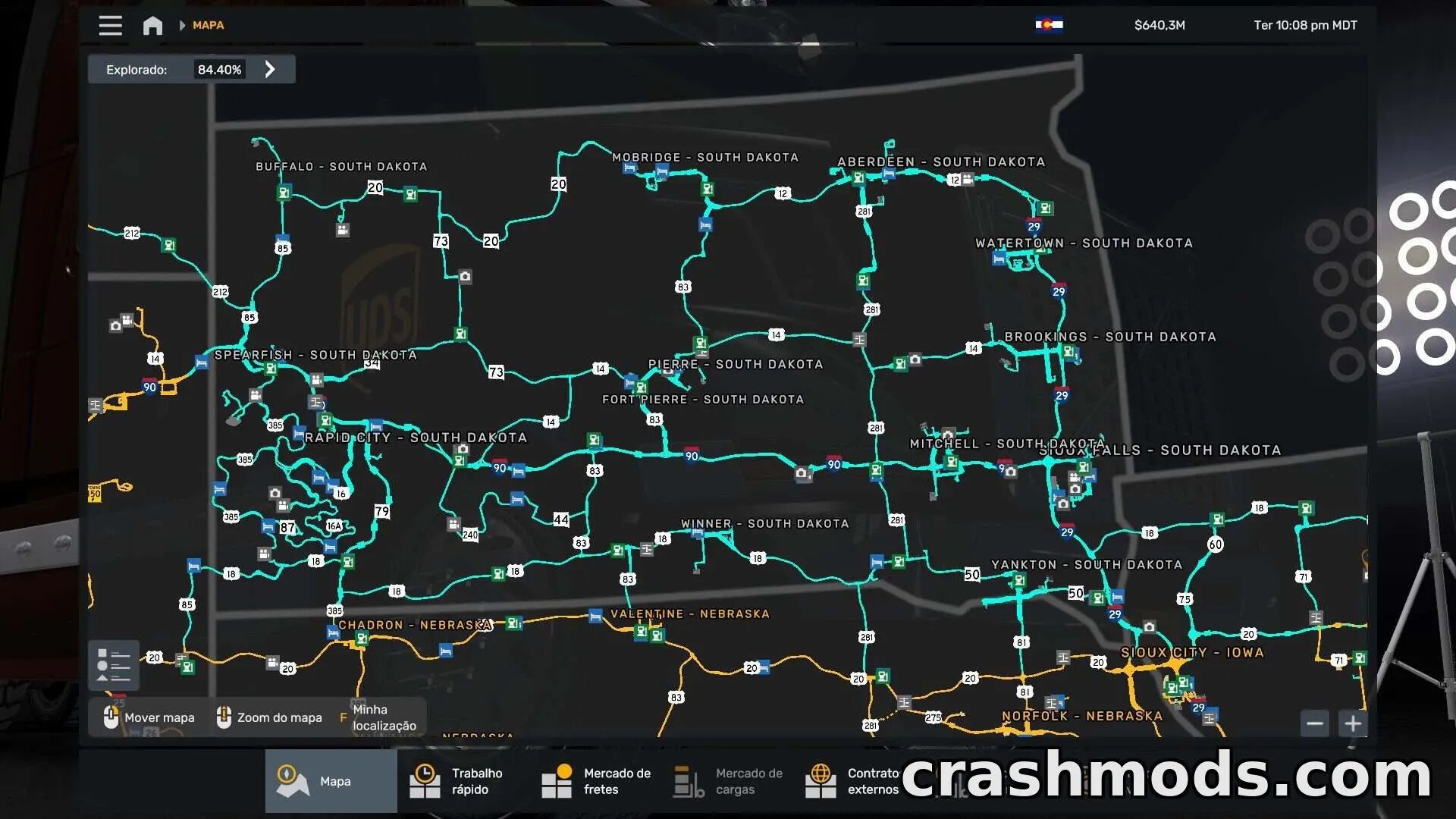
  • Viewpoints, photo spots, and landmarks shown grey until discovered, then gold
  • Company logos and larger company names shown on the GPS
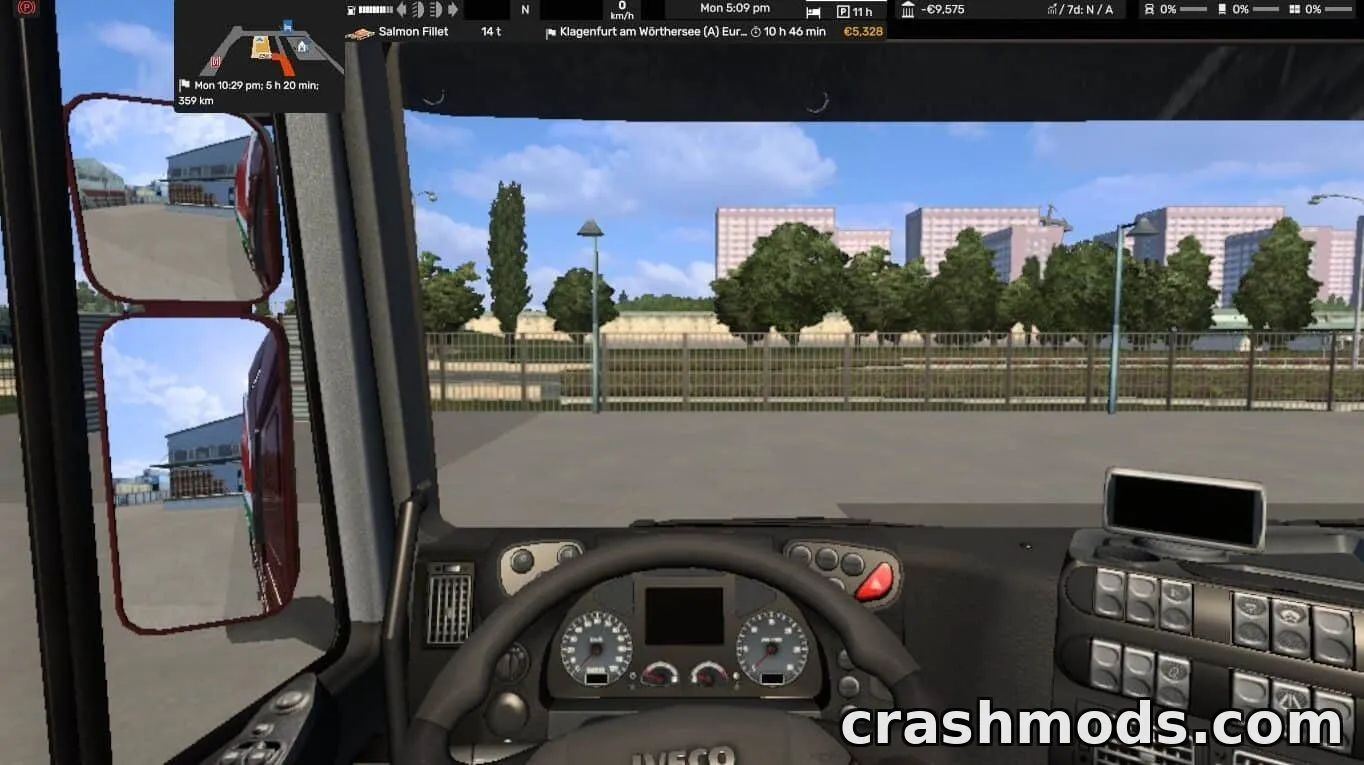
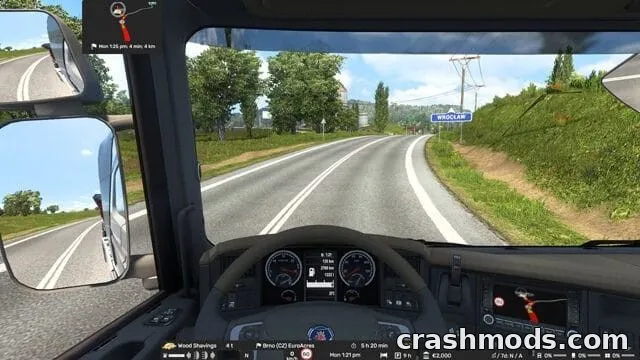
  • Tilted 3D GPS view with a lower camera angle and wider map view
  • Calmer color palette: slate grey for undriven roads, soft amber for company lots, warm grey buildings
  • Thicker roads at GPS zoom levels
  • Restyled freight market and fleet manager maps to match
  • Compatible with any truck or car, with or without Dash GPS Displays units

Dash GPS Map brings a modern, clean navigation style to the in-cab GPS, Route Advisor, and world map. It's part of the Dash GPS series and is built to match Dash GPS Displays and Dash GPS Voices, though it works perfectly fine on its own with any vehicle.

The mod reworks the route line, player marker, and a full set of custom icons so fuel stations, rest stops, dealers, garages, and other points of interest are easy to tell apart at a glance. The world map also gets calmer colors, thicker roads at GPS zoom, and a tilted 3D camera view for a more realistic feel, while the freight market and fleet manager screens are restyled to match.

Since it changes the game's core map settings, it isn't meant to be combined with other mods that alter GPS colors or the world map background—pick one or the other, and load this one near the top of your mod list.

This is a great pick for players who want a fresh, easy-to-read navigation interface without needing to change anything else about their trucks or cars.

✅ Description reviewed by the CrashMods Team

Changelog

V1.0 — First release.
Frequently asked questions6 questions

Dash GPS Map – which game and version is it for?

This mod was made for American Truck Simulator (game version: 1.61.x). The mod's own version: V1.0. After a major game update, older mods may stop working — check the version before installing.

Dash GPS Map – how do I install it?

Copy the .scs or .zip file to the Documents/American Truck Simulator/mod folder, then enable it in your profile's Mod Manager.

Is the download safe?

We checked the file with VirusTotal: none of the 75 antivirus engines flagged it. The full report opens from the "Verified" badge on the mod's page.

How big is the download?

The mod's file size is about 909.2 KB.

Dash GPS Map – who made it?

The mod's original creator: Superneo10.

Is the mod free?

Yes, downloading from CrashMods is free; registration is not required.

What’s inside the package?167 files · 878.0 KB unpackedTextures 105Config & text 62Show filesHide files

Folders, file names and sizes, read from the downloadable archive.

Package
  • palette.sui1.9 KB
  • route.sui414 B
  • view.sui2.3 KB
  • map_data.sii1.3 KB
  • dgps_job_start.dds4.1 KB
  • dgps_job_start.tobj79 B
  • dgps_job_stop.dds4.1 KB
  • dgps_job_stop.tobj78 B
  • dgps_job_target.dds4.1 KB
  • dgps_job_target.tobj80 B
  • manifest.sii229 B
  • mod_description.txt274 B
  • mod_icon.jpg8.8 KB
1–19 / 19

Download Get the latest version of this mod and enjoy!

Latest Mod version: V1.0 American Truck Simulator 1.61.x 5 minutes ago 909.2 KB
Dash GPS Map – Custom Navigation Style V1.0 909.2 KB American Truck Simulator Download File

The file is on ModsDrop, our own storage.

  • Scannedwith VirusTotal
  • EU serversFast & reliable
  • Free downloadNo registration needed
  • Latest versionAlways up to date

More American Truck Simulator UI mods

Uploaded by

RavenByte73
  • 3,048 mod
  • 1 follower
  • 12,324 download
  • Registered 5 months ago

Community screenshots

Screenshots from players using this mod. Add yours — images only (JPG, PNG, WebP).

No community screenshots yet — be the first!

Leave a comment