Skip to content
Join our Discord for updates & support Discord

MultiTask Mowers – Selectable Mowing Modes V1.0

—/5, 0 ratings

Your rating

Creator: Max Games

File verified — safe
All 75 security engines found this file clean.
Last checked: 2026-11-11
Security report

Features:

  • Adds normal mowing, windrow mowing, and direct hay production modes
  • Works with front and rear mowers combined as one cutting group
  • Windrow is centered across the full working width
  • Windrow width adapts automatically to material amount
  • Windrow height is controlled by the native ground system
  • Excludes forage harvester headers and mowers with internal fill units
  • Compatible with manual work and AI systems using standard mower specialization
  • Mode switching bound to Ctrl+N, configurable in controls menu
  • F1 display shows the selected mowing mode

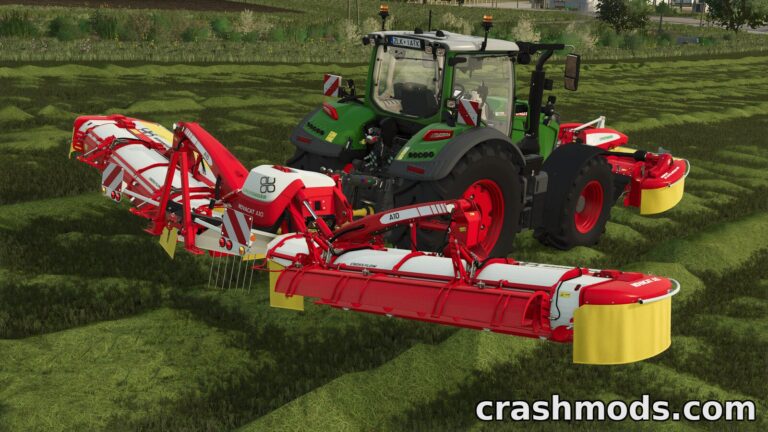
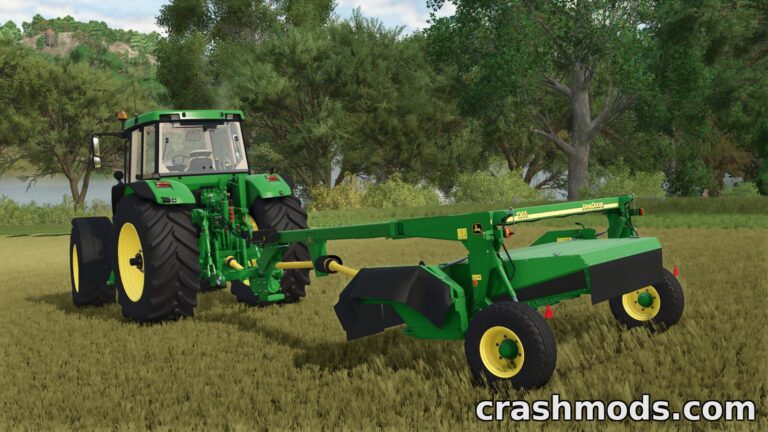
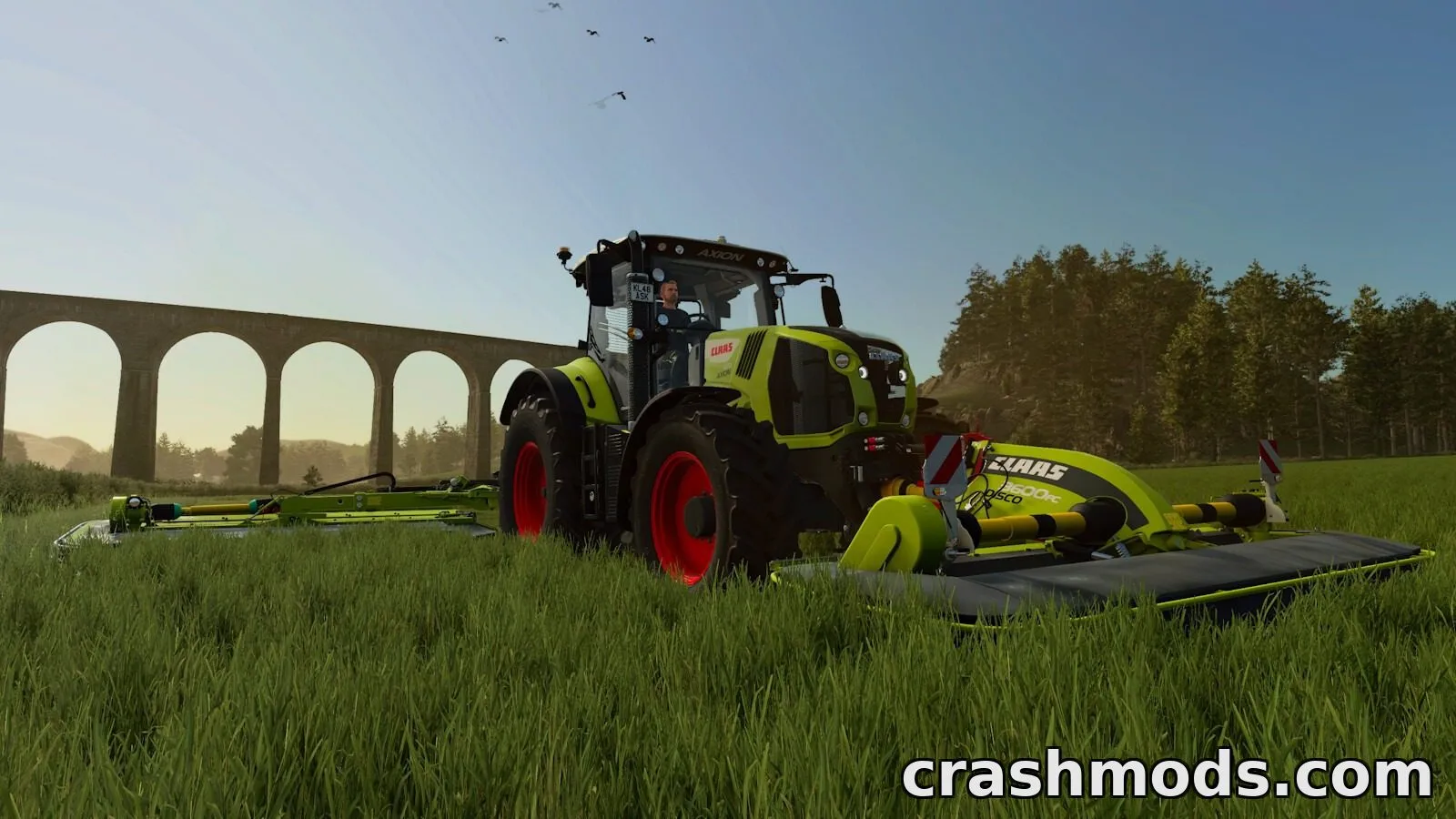
MultiTask Mowers expands the functionality of compatible grass mowers by introducing three distinct work modes. Players can switch between standard mowing, mowing with a centered windrow, or direct hay production that deposits material in a windrow as it works.

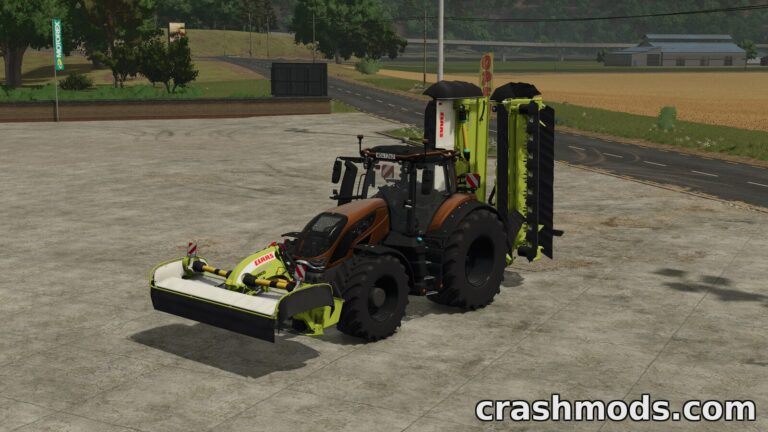
When multiple mowers are active at once, whether mounted front or rear, the mod treats their cutting areas as a single combined group. This means the windrow is centered across the entire working width and placed behind the last active mower, with its size automatically adjusting based on how much material is being cut.

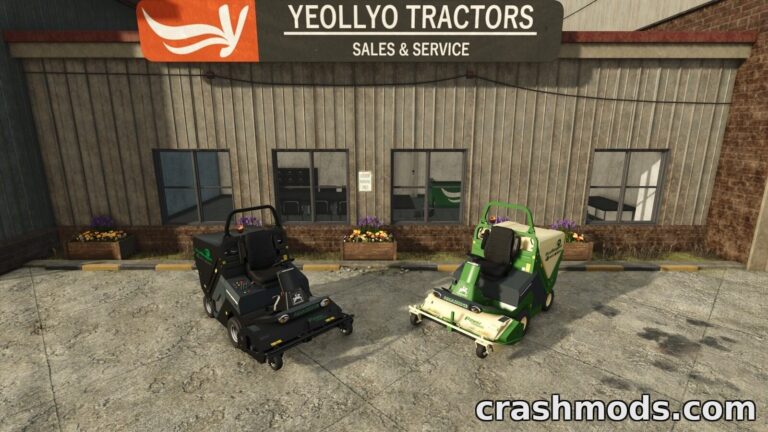
The mod is built to work seamlessly with both manual operation and AI-controlled work, as long as the vehicle uses the standard mower specialization. It does not apply to forage harvester headers or mowers that have their own internal fill units.

This is a useful addition for players who want more flexibility in how they manage grass cutting and hay production, especially those running larger operations with multiple mowers working together.

✅ Description reviewed by the CrashMods Team

Changelog

V1.0 — First release.
Frequently asked questions6 questions

MultiTask Mowers – which game and version is it for?

This mod was made for Farming Simulator 25 (game version: 1.25.x). The mod's own version: V1.0. After a major game update, older mods may stop working — check the version before installing.

MultiTask Mowers – how do I install it?

Copy the .zip file to the Documents/My Games/FarmingSimulator2025/mods folder, then enable it in the in-game mod list.

Detailed guide

Is the download safe?

We checked the file with VirusTotal: none of the 75 antivirus engines flagged it. The full report opens from the "Verified" badge on the mod's page.

How big is the download?

The mod's file size is about 108.0 KB.

MultiTask Mowers – who made it?

The mod's original creator: Max Games.

Is the mod free?

Yes, downloading from CrashMods is free; registration is not required.

What’s inside the package?31 files · 194.9 KB unpackedScripts & code 2Textures 1Config & text 28Show filesHide files

Folders, file names and sizes, read from the downloadable archive.

Scripts & code — names only, these files cannot be opened: MultiTaskMowers.lua, Register.lua

Package
  • l10n_br.xml455 B
  • l10n_cs.xml454 B
  • l10n_ct.xml454 B
  • l10n_cz.xml478 B
  • l10n_da.xml464 B
  • l10n_de.xml458 B
  • MultiTaskMowers.lua27.7 KB
  • Register.lua758 B
  • icon_multiTaskMowers.dds128.1 KB
  • modDesc.xml25.8 KB
1–13 / 13

Download Get the latest version of this mod and enjoy!

Mod version: V1.0 Farming Simulator 25 1.25.x 2 days ago 108.0 KB
MultiTask Mowers – Selectable Mowing Modes V1.0 108.0 KB Farming Simulator 25 Download File

The file is on ModsDrop, our own storage.

  • Scannedwith VirusTotal
  • EU serversFast & reliable
  • Free downloadNo registration needed
  • Latest versionAlways up to date

More Farming Simulator 25 Implements and Tools › Mowers mods

Uploaded by

Kiro_8036
Kiro_8036 LITE
  • 1,129 mod
  • 1 follower
  • 1,816 download
  • Registered 2 months ago

Community screenshots

Screenshots from players using this mod. Add yours — images only (JPG, PNG, WebP).

No community screenshots yet — be the first!

Leave a comment