Skip to content
Join our Discord for updates & support Discord

Feldschwarm – Modular Swarm Implement Carrier Pack V1.0

—/5, 0 ratings

Your rating

Creator: Creative Mesh

File verified — safe
All 75 security engines found this file clean.
Last checked: 2026-11-13
Security report

Features:

  • Self-propelled implement carrier (FSE II) with 160 hp and 200 litre fuel tank
  • Tractor-drawn implement carrier (FSE I)
  • Includes a 3 metre wide spring tine cultivator attachment
  • Cultivator requires a minimum of 115 hp to operate
  • Modular system designed to accept further implements and components
  • Concept based on a real research test demonstrator
  • Developed from a swarm-farming research project funded in Germany
  • Works alongside the Courseplay modification for route and swarm management
  • Represents an autonomous, resource-efficient approach to field work

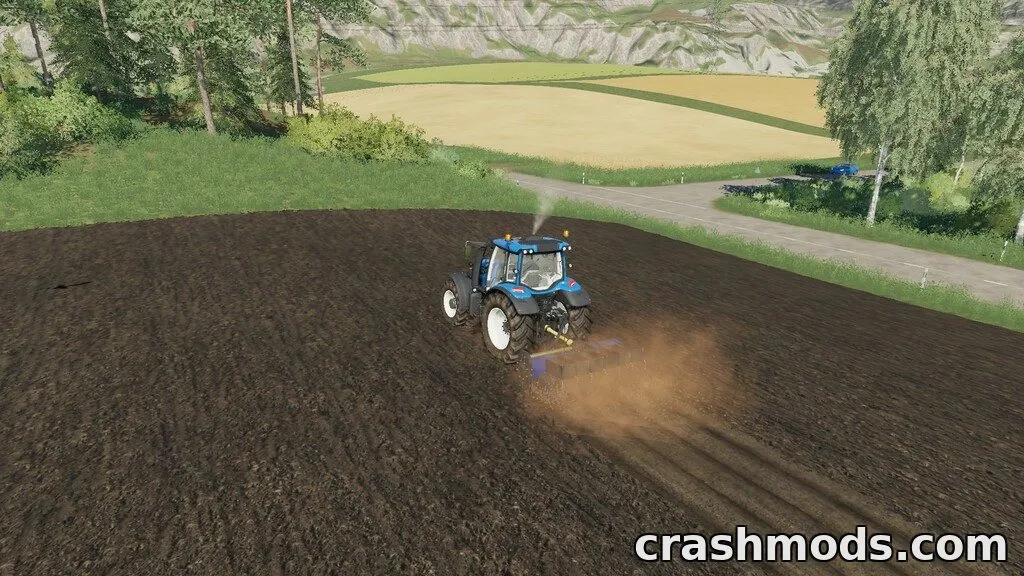
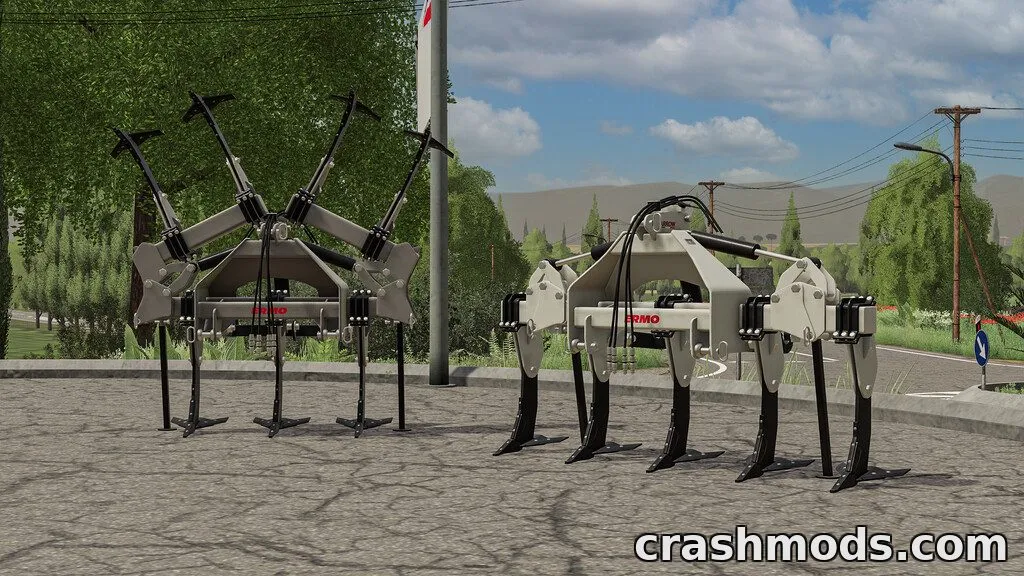
Feldschwarm introduces a completely different idea of farm machinery into Farming Simulator 19: instead of one big machine, a swarm of smaller, coordinated units handles the fieldwork. The pack includes a self-propelled implement carrier, a tractor-drawn implement carrier, and a 3 metre spring tine cultivator that can be mounted on either carrier.

The self-propelled unit (FSE II) comes with 160 hp and a 200 litre fuel tank, while the tractor-drawn version (FSE I) relies on a towing tractor. The cultivator itself needs at least 115 hp to run. Together these parts form a modular system that hints at further implements and workflows still to be imagined by players.

For the full swarm-management experience, the mod is meant to be combined with the Courseplay modification, letting you plan operations, routing and monitor the automated units as a field swarm manager.

This pack suits players interested in experimental or research-based farming concepts and anyone wanting to try a more automated, modular approach to field operations in Farming Simulator 19.

✅ Description reviewed by the CrashMods Team

Changelog

V1.0 — First release.
Frequently asked questions6 questions

Feldschwarm – which game and version is it for?

This mod was made for Farming Simulator 19 (game version: 1.7.x). The mod's own version: V1.0. After a major game update, older mods may stop working — check the version before installing.

Feldschwarm – how do I install it?

Copy the .zip file to the Documents/My Games/FarmingSimulator20xx/mods folder (the folder for your game version), then enable it in the in-game mod list.

Is the download safe?

We checked the file with VirusTotal: none of the 75 antivirus engines flagged it. The full report opens from the "Verified" badge on the mod's page.

How big is the download?

The mod's file size is about 25.3 MB.

Feldschwarm – who made it?

The mod's original creator: Creative Mesh.

Is the mod free?

Yes, downloading from CrashMods is free; registration is not required.

What’s inside the package?49 files · 42.9 MB unpackedScripts & code 13D models 8Textures 22Config & text 10Other files 8Show filesHide files

Folders, file names and sizes, read from the downloadable archive.

Scripts & code — names only, these files cannot be opened: ExtendedAILights.lua

Package
  • brand_feldschwarm.dds32.1 KB
  • ExtendedAILights.lua7.6 KB
  • assets_normal.dds682.8 KB
  • assets_specular.dds682.8 KB
  • decals_diffuse_alpha.dds1.3 MB
  • decals_specular.dds682.8 KB
  • fse1.i3d23.2 KB
  • fse1.i3d.shapes2.7 MB
1–20 / 291 / 2

Download Get the latest version of this mod and enjoy!

Latest Mod version: V1.0 Farming Simulator 19 1.7.x 10 minutes ago 25.3 MB
Feldschwarm – Modular Swarm Implement Carrier Pack V1.0 25.3 MB Farming Simulator 19 Download File

The file is on ModsDrop, our own storage.

  • Scannedwith VirusTotal
  • EU serversFast & reliable
  • Free downloadNo registration needed
  • Latest versionAlways up to date

More Farming Simulator 19 Implements & Tools mods

Uploaded by

NeroVex284
NeroVex284 LITE
  • 590 mod
  • 0 follower
  • 2,200 download
  • Registered 6 months ago

Community screenshots

Screenshots from players using this mod. Add yours — images only (JPG, PNG, WebP).

No community screenshots yet — be the first!

Leave a comment