Features:
– Adjustable player camera height
– Field of View (FOV) control
– Mouse-based camera adjustments
– The middle mouse button controls height.
– Middle and right mouse button controls FOV
– Quick camera reset
– Simple and intuitive controls
– Designed for FS22
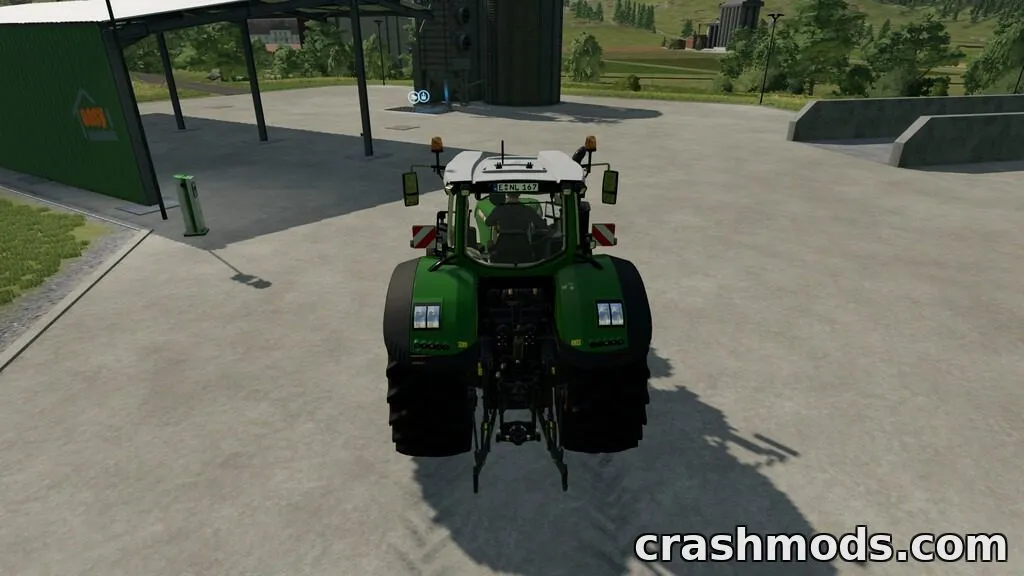
PlayerActionCamera gives you more control over the player camera in FS22, allowing you to adjust both camera height and field of view directly with your mouse.
Use the middle mouse button to change the player camera height. Hold the right mouse button while using the middle mouse button to adjust the field of view. If you want to return the camera to its default position, simply press the middle mouse button once to reset the settings.
The mod provides a simple and convenient way to customize your player camera for a more comfortable and flexible gameplay experience.