Skip to content
Join our Discord for updates & support Discord

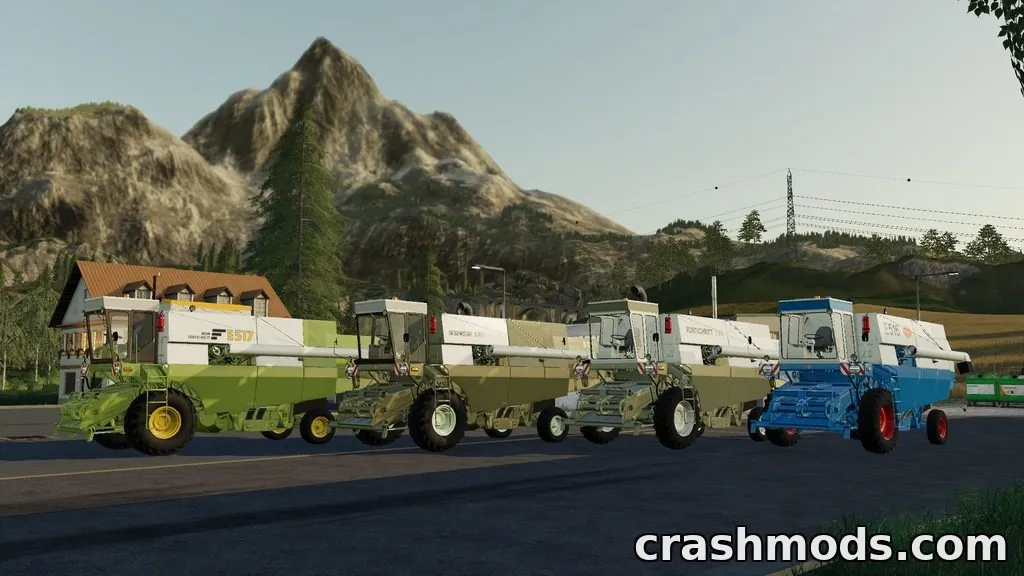
Claas Mega Pack – Combine Harvesters with Cutting Units V2.5

—/5, 0 ratings

Your rating

Creator: VertexDezign, Landmensch

File verified — safe
All 72 security engines found this file clean.
Last checked: 2026-11-18
Security report

Features:

  • Includes Claas Mega 204, 208, and 218 combine harvesters
  • Each Mega model runs an OM 441A engine with 200 to 270 hp depending on version
  • Road speed up to 25 km/h
  • Diesel tank capacity ranges from 400L to 500L
  • Grain tank capacity ranges from 6000L to 8000L
  • Includes Claas C450, C510, and C600 cutting units with 4.5m, 5.1m, and 6m working widths
  • Cutting units have mouse-adjustable reel and a rapeseed module clutch
  • Rapeseed modules available in multiple widths with color choice
  • Cutting unit carriage offered in single-axle or double-axle versions
  • Carriage allows choice of old or new lighting and left or right cutting unit holder
  • Doors and mirrors are mouse-adjustable
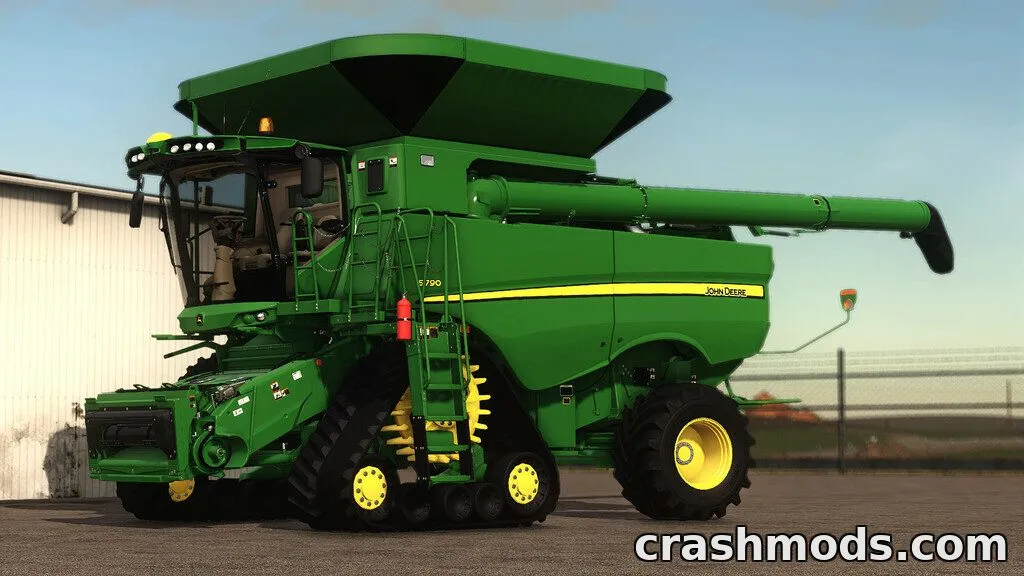
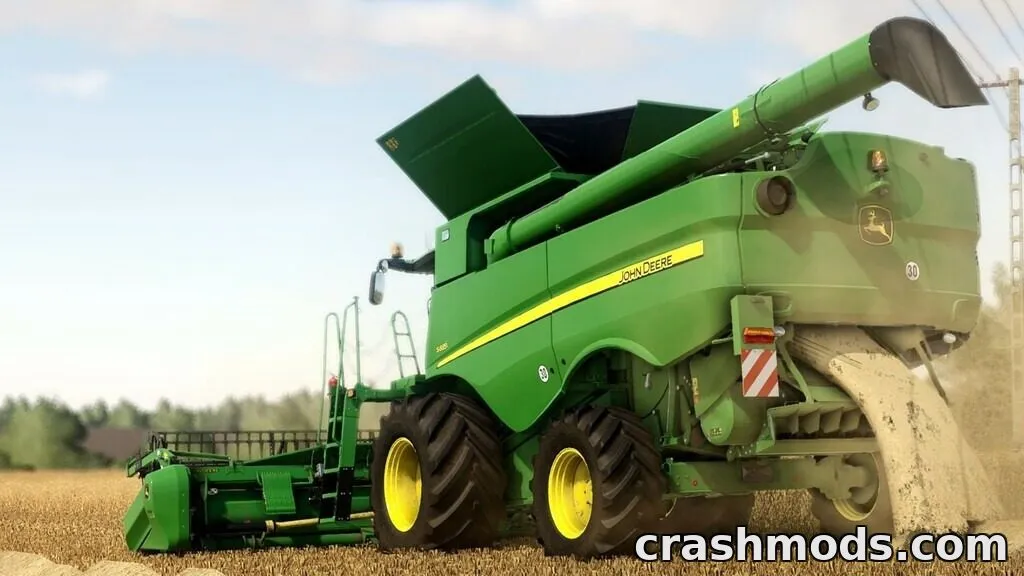
  • Compatible with QuasarF4, CornChampion5R, HS8, C540, C600, and HV660 attachments

The Claas Mega Pack brings together several combine harvesters from the Claas Mega 200 series, including the Mega 204, 208, and 218 models, each powered by an OM 441A engine with different horsepower ratings.

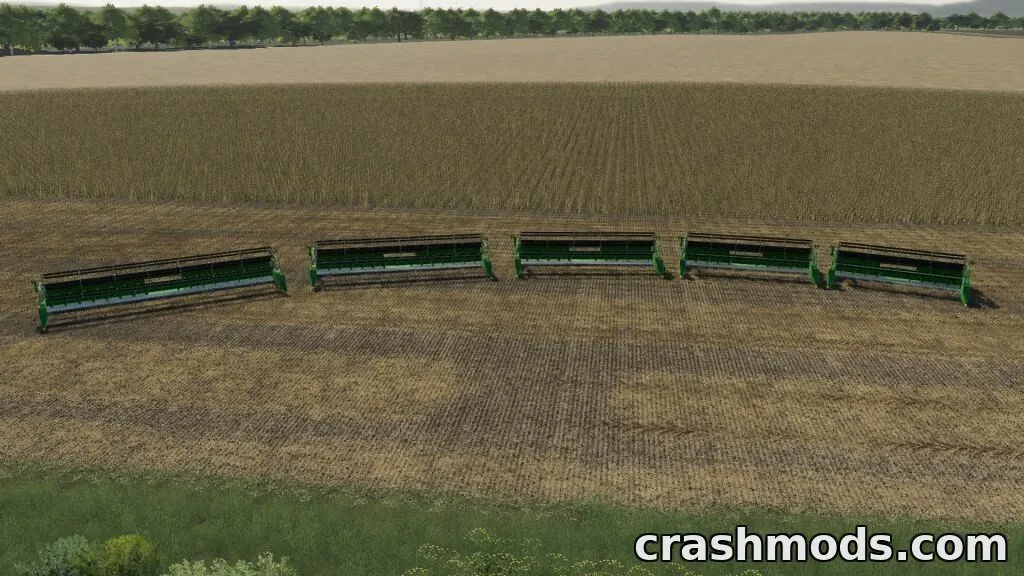
Alongside the harvesters, the pack adds matching Claas C450, C510, and C600 cutting units with adjustable working widths, plus optional rapeseed modules in various sizes and colors for extra versatility during harvest.

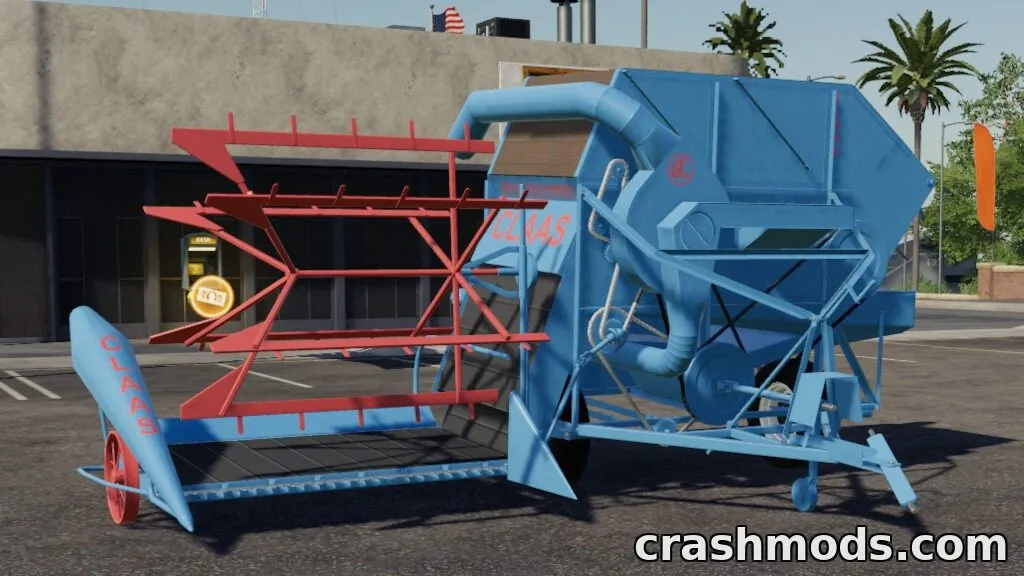
A configurable cutting unit carriage is also included, letting players choose between single or double axles and different lighting and holder positions to match their setup.

This pack suits players who want a complete Claas harvesting lineup with flexible configuration options for different crops and field conditions.

✅ Description reviewed by the CrashMods Team

Changelog

V2.5:
- Added Claas C450 and C510 cutting units
- Revised Mega engine data
- Added SWW holding technology from Claas Addon (PC only)
- Updated console
Frequently asked questions6 questions

Claas Mega Pack – which game and version is it for?

This mod was made for Farming Simulator 19 (game version: 1.7.x). The mod's own version: V2.5. After a major game update, older mods may stop working — check the version before installing.

Claas Mega Pack – how do I install it?

Copy the .zip file to the Documents/My Games/FarmingSimulator20xx/mods folder (the folder for your game version), then enable it in the in-game mod list.

Is the download safe?

We checked the file with VirusTotal: none of the 72 antivirus engines flagged it. The full report opens from the "Verified" badge on the mod's page.

How big is the download?

The mod's file size is about 26.4 MB.

Claas Mega Pack – who made it?

The mod's original creator: VertexDezign, Landmensch.

Is the mod free?

Yes, downloading from CrashMods is free; registration is not required.

What’s inside the package?45 files · 73.5 MB unpackedScripts & code 13D models 4Textures 27Config & text 9Other files 4Show filesHide files

Folders, file names and sizes, read from the downloadable archive.

Scripts & code — names only, these files cannot be opened: ExtendedDynamicMountAttacher.lua

Package
  • C450-510_decal_diffuse.dds341.5 KB
  • C450-510_decal_specular.dds341.5 KB
  • C600.i3d15.4 KB
  • C600.i3d.shapes2.2 MB
  • C600.xml19.2 KB
  • C600_diffuse.dds2.7 MB
1–8 / 281 / 4

Download Get the latest version of this mod and enjoy!

Mod version: V2.5 Farming Simulator 19 1.7.x 1 day ago 26.4 MB
Claas Mega Pack – Combine Harvesters with Cutting Units V2.5 26.4 MB Farming Simulator 19 Download File

The file is on ModsDrop, our own storage.

  • Scannedwith VirusTotal
  • EU serversFast & reliable
  • Free downloadNo registration needed
  • Latest versionAlways up to date

Uploaded by

NeroVex284
NeroVex284 LITE
  • 842 mod
  • 0 follower
  • 2,435 download
  • Registered 6 months ago

Community screenshots

Screenshots from players using this mod. Add yours — images only (JPG, PNG, WebP).

No community screenshots yet — be the first!

Leave a comment