

Technology mods push Minecraft past torches and redstone wires into territory that looks more like an engineering sandbox. You get trains with real bogies, electricity that follows actual circuit rules, nuclear reactors that can melt down, and even cameras that take real pictures of your world. Most of the heavier builds lean on Create as a base, so a lot of these mods are addons rather than standalone systems.
When picking from a list like this, check what each mod actually depends on. Some need Create itself, some need a specific Create version, and a couple need extra libraries like Valkyrien Skies 2 or MCEF to work at all. Match the mod version to your Minecraft version and mod loader before you commit, since addons tend to break fast when the base mod updates.
1. Multi Key Bindings – Several Keys and Modifiers for the Same Action

This one is a quality of life fix rather than a flashy addition. It lets you attach more than one key, or a key plus a modifier like shift or alt, to a single action, so you are not stuck with one binding per function.
It also adds a quick plus button to the vanilla keybinds screen and plays nicely with Controlling if you have that installed. Good pick for anyone juggling a lot of actions on a cramped keyboard, though watch for small quirks around mouse buttons and toggles like sticky sneak.
Download Multi Key Bindings – Several Keys and Modifiers for the Same Action on CrashMods · Game version: 1.21.1
2. Trackwork – Tank Treads and Wheels for Create Vehicles
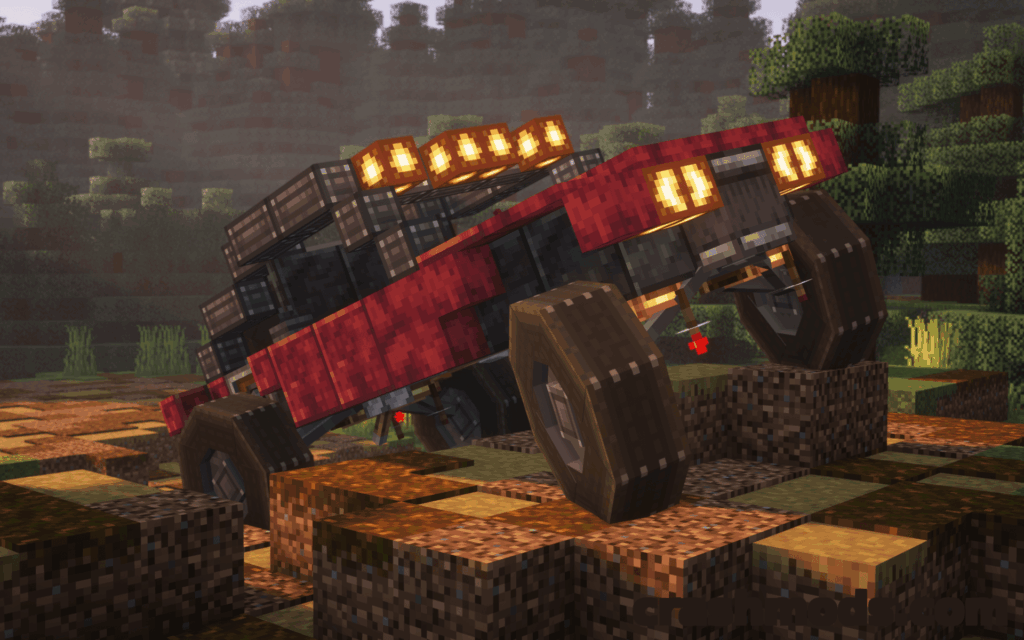
Trackwork hands you tank treads and wheels to bolt onto your own Create contraptions, built on top of Create and Valkyrien Skies 2. Instead of a premade vehicle, you design the build and the mod supplies the parts that let it actually move across rough terrain.
It leans on in-game Ponders to teach the basics, which helps if you have not built moving machinery in Create before. Note that it clashes with Optifine, and if you run Embeddium, Embeddium Plus or Graphene you will need to switch off block entity culling for it to render correctly.
Download Trackwork – Tank Treads and Wheels for Create Vehicles on CrashMods · Game version: 1.20.x
3. Camerapture – Working Cameras, Photo Frames and Picture Albums

Camerapture turns the usual decorative camera item into something that genuinely captures the scene in front of you, using paper from your inventory as film. You can also upload your own images through it and hang the results on walls with sneak and right-click, resizing the frame the same way.
There is a craftable album for keeping your shots organized, and pictures can be shared with other players. It supports Fabric, NeoForge and Quilt, so it fits into most modded setups without much fuss.
Download Camerapture – Working Cameras, Photo Frames and Picture Albums on CrashMods · Game version: 26.1.2
4. Create: Blocks & Bogies – Customisable Train Bogies with Valve Gear
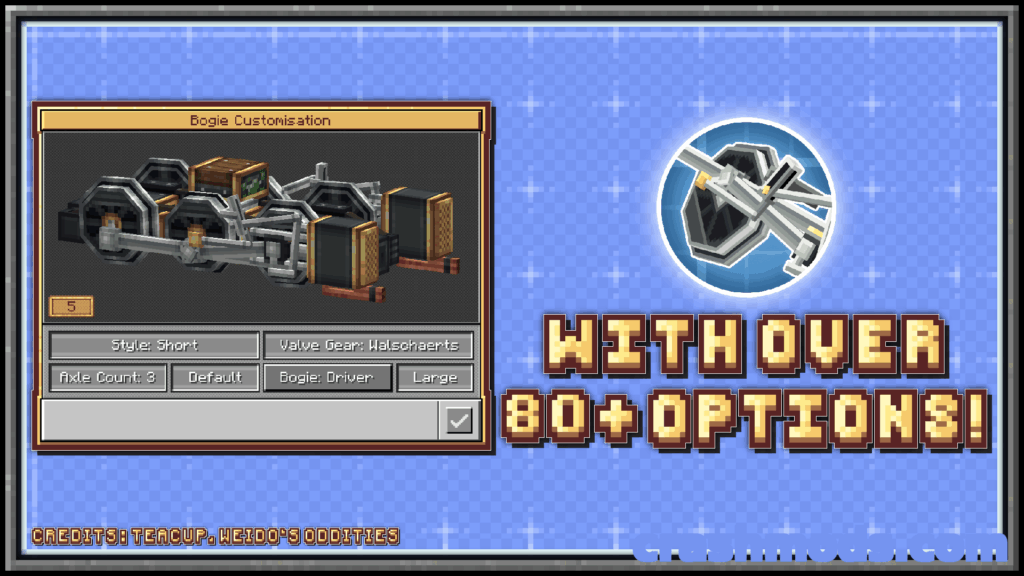
This addon is all about variety for Create trains, offering bogie styles like Walschaerts, Gearless, Pistonless, Rodless and Scotch Yoke, plus driver sizes running from a single axle up to six. An interactive menu, opened by crouching and right-clicking a bogie with an empty hand, lets you fine-tune each one.
It works whether or not Steam n Rails is installed, but it does require Create 6.0 or newer. Anyone building detailed locomotives rather than generic rail cars will get the most out of it.
Download Create: Blocks & Bogies – Customisable Train Bogies with Valve Gear on CrashMods · Game version: 1.21.1
5. Create Nuclear – Nuclear Reactors, Uranium Refining and Radiation for Create
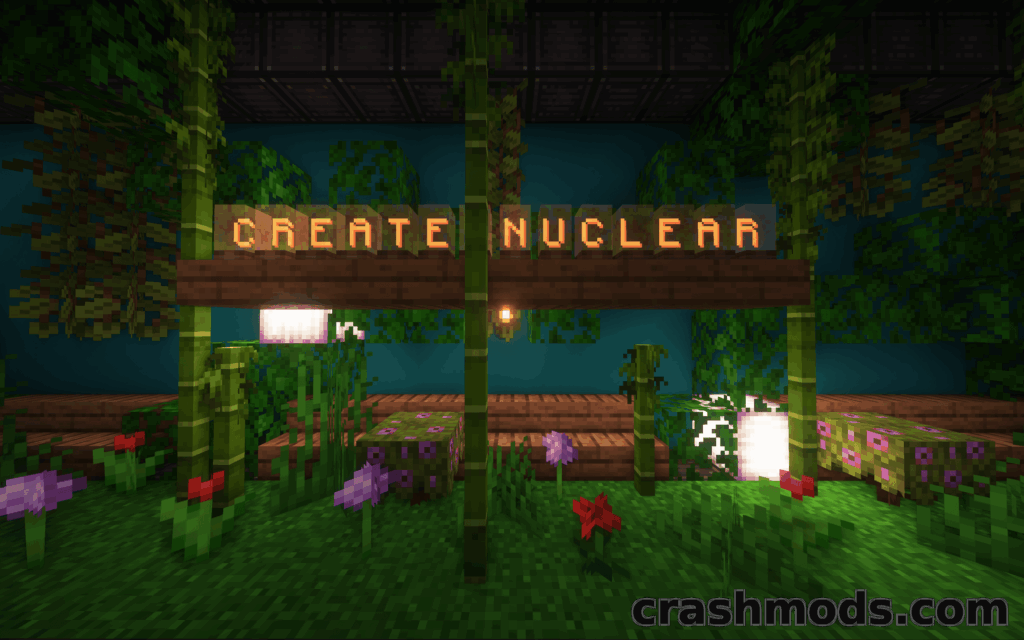
Create Nuclear bolts a full nuclear power chain onto Create, from mining Uranium and Thorium through refining to running tiered reactors. A well-tuned reactor can push out a serious amount of Stress Units, and the system can even be automated with Create machinery so it runs itself.
Coolant like Nitrogen keeps the heat in check, and radiation is a real hazard here, countered with Iodine and dedicated anti-radiation armor. A meltdown is not a minor event either, it causes a large explosion and leaves behind an irradiated biome, so this suits players who want consequences attached to their power plants. It needs the Create mod and plays well with JEI, REI and EMI.
Download Create Nuclear – Nuclear Reactors, Uranium Refining and Radiation for Create on CrashMods · Game version: 1.21.1
6. Create Fly – Newer Create Versions Ported to Fabric

Create Fly is a Fabric rebuild of Create aimed at game versions the earlier Fabric port does not cover. Rather than translate the Forge code piece by piece, it reimplements Create’s features independently, down to rewriting rendering and data loading for Fabric’s newer systems.
It runs without the Fabric API and uses mixins written specifically for Create rather than a generic porting layer. Pair it with a recipe viewer like REI, JEI, EIV or RRV, and keep in mind that shaders can disable some of its rendering.
Download Create Fly – Newer Create Versions Ported to Fabric on CrashMods · Game version: 1.21.1
7. WebDisplays – In-Game Web Browser Screens

WebDisplays lets you place actual browser screens inside your world that load and render real web pages, not static images. You can point a screen at a site and interact with the page from within the game.
It is a maintained continuation of the original WebDisplays project and needs the MCEF mod installed to function, since that is what handles the browser engine. Forge support only, so check your loader before installing.
Download WebDisplays – In-Game Web Browser Screens on CrashMods · Game version: 1.20.x
8. Transit Railway – Automated Trains, Boats, Cable Cars and Planes

Transit Railway is built for running a transport network rather than a single train line, covering automated trains, boats, cable cars and planes with realistic bogies and improved signalling. The vehicle simulation runs separately from the main game instance, which keeps server lag down even with a busy network.
It also adds sideways elevators, an online system map with OneBusAway integration, and general FPS and TPS improvements. Keep add-ons matched to the mod’s installed version, since mismatched versions simply will not load.
Download Transit Railway – Automated Trains, Boats, Cable Cars and Planes on CrashMods · Game version: 1.21.4
9. Create: Power Grid – Physics-Based Electricity and Circuit Boards

Power Grid simulates electricity properly, with current flowing through closed loops under Ohm’s Law and the Junction Rule, and higher voltage carrying more power with fewer losses. Keep production and demand balanced or your equipment takes damage, which gives the system real stakes.
It adds plenty of gear to use that power, from an Electric Motor and voltage-controlled Servo to a Portable Drill and Saw that skip durability loss while a battery is worn, plus an energy-fed ranged weapon called the Electro-Zapper. There are also etched circuit boards, alarm bells, growth lamps and modular displays for anyone who wants to build out a full electrical setup.
Download Create: Power Grid – Physics-Based Electricity and Circuit Boards on CrashMods · Game version: 1.21.1
10. Create: New Age – Electricity, Motors and Nuclear Reactors for Create
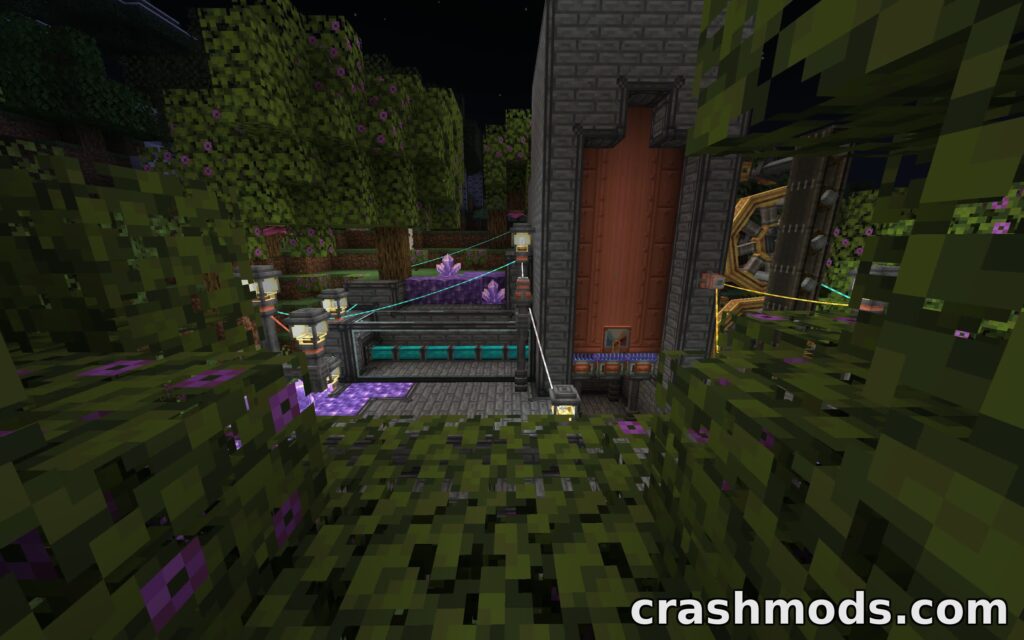
New Age generates electricity through spinning copper coils with magnets, then lets you convert it back into rotation with several motor types, or feed it to an Energiser that crafts new items from rotation and electricity combined. Wires carry the power around your build.
Multiblock nuclear reactors tie into Create’s boilers, turning reactor heat into steam, and solar panels contribute heat of their own through the same system. It includes a Monkey Edition datapack to strip out less realistic recipes, works alongside Create: Crafts and Additions, and on 1.21.1 needs nothing beyond Create itself.
Download Create: New Age – Electricity, Motors and Nuclear Reactors for Create on CrashMods · Game version: 1.21.1
Tips for technology mods in Minecraft
- Always match the mod version and mod loader (Forge, Fabric, NeoForge or Quilt) to your exact Minecraft version before installing, since mismatches are the most common cause of crashes.
- Check listed dependencies first. Several of these mods need another mod, like Create or a specific library, installed and loaded before they will even start.
- Back up your world save before adding anything that changes world generation, block behavior or power systems, so you can roll back if something conflicts.
- When combining several addons for the same base mod, add them one at a time and test your world in between, rather than installing everything at once.
- Read any in-game guides or tooltips the mod provides before building, since mechanics like electricity or reactor heat often have rules that are not obvious from the items alone.
Browse all Minecraft mods on CrashMods
