

Features:
- Adds temporal anti-aliasing (TAA) to the game
- Settings menu in the Mods tab of the pause menu
- Enable or disable TAA at any time
- Choose a preset or set custom values
- Built-in anti-aliasing is disabled while TAA is active
- Jittering stops when the game is paused
- Improved camera behaviour, free-look now works
- Fixed Vulkan-related bugs and crashes
- Stays active as long as the mod is enabled in the mod manager
- For BeamNG.drive 0.39.x
- Made by nikoxx44
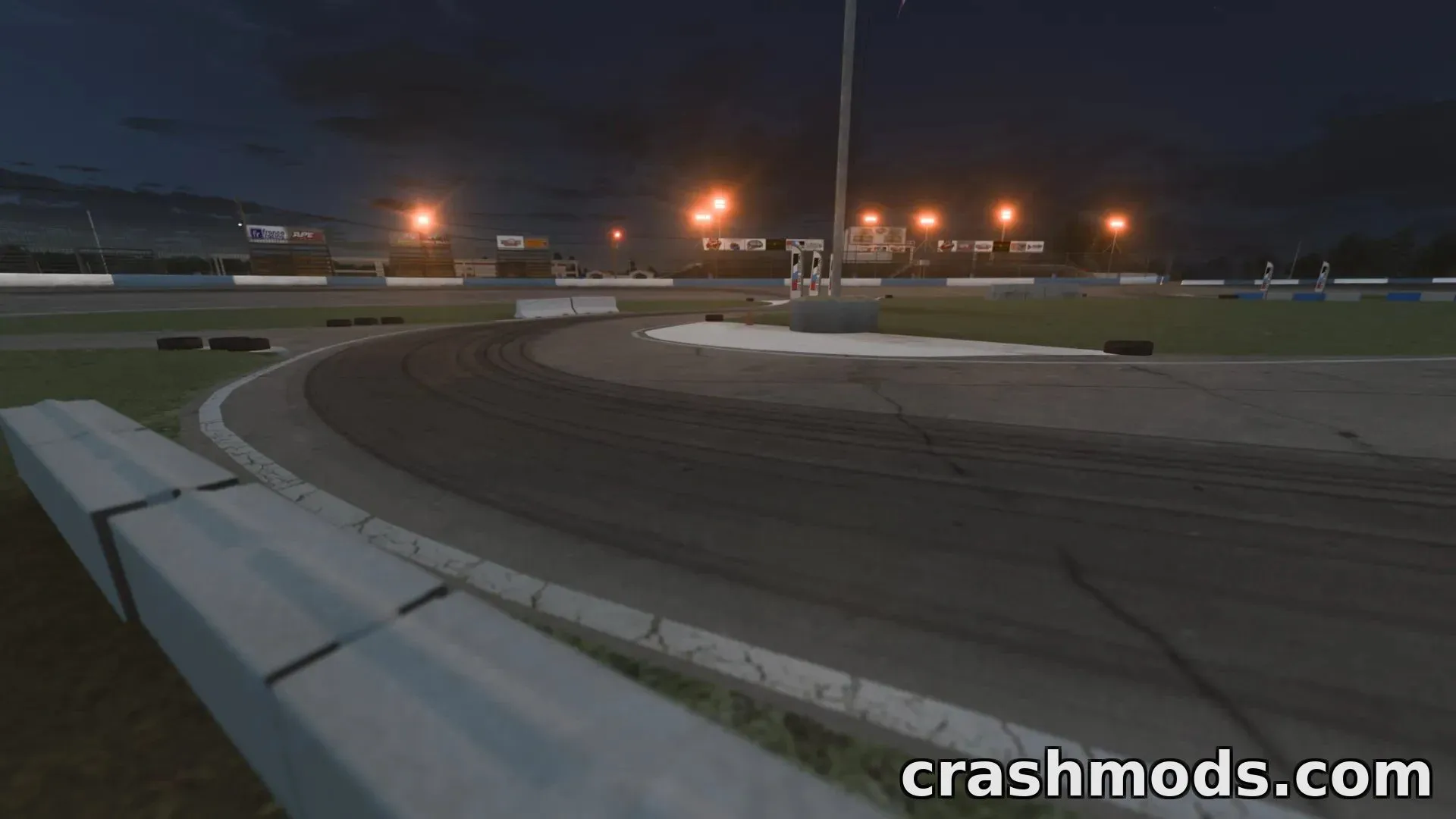
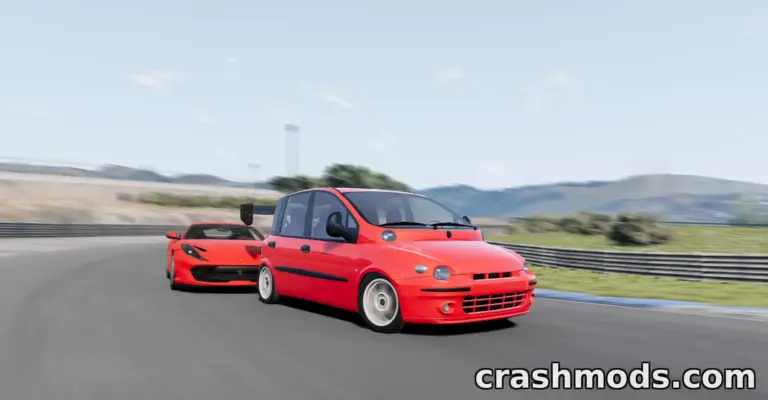
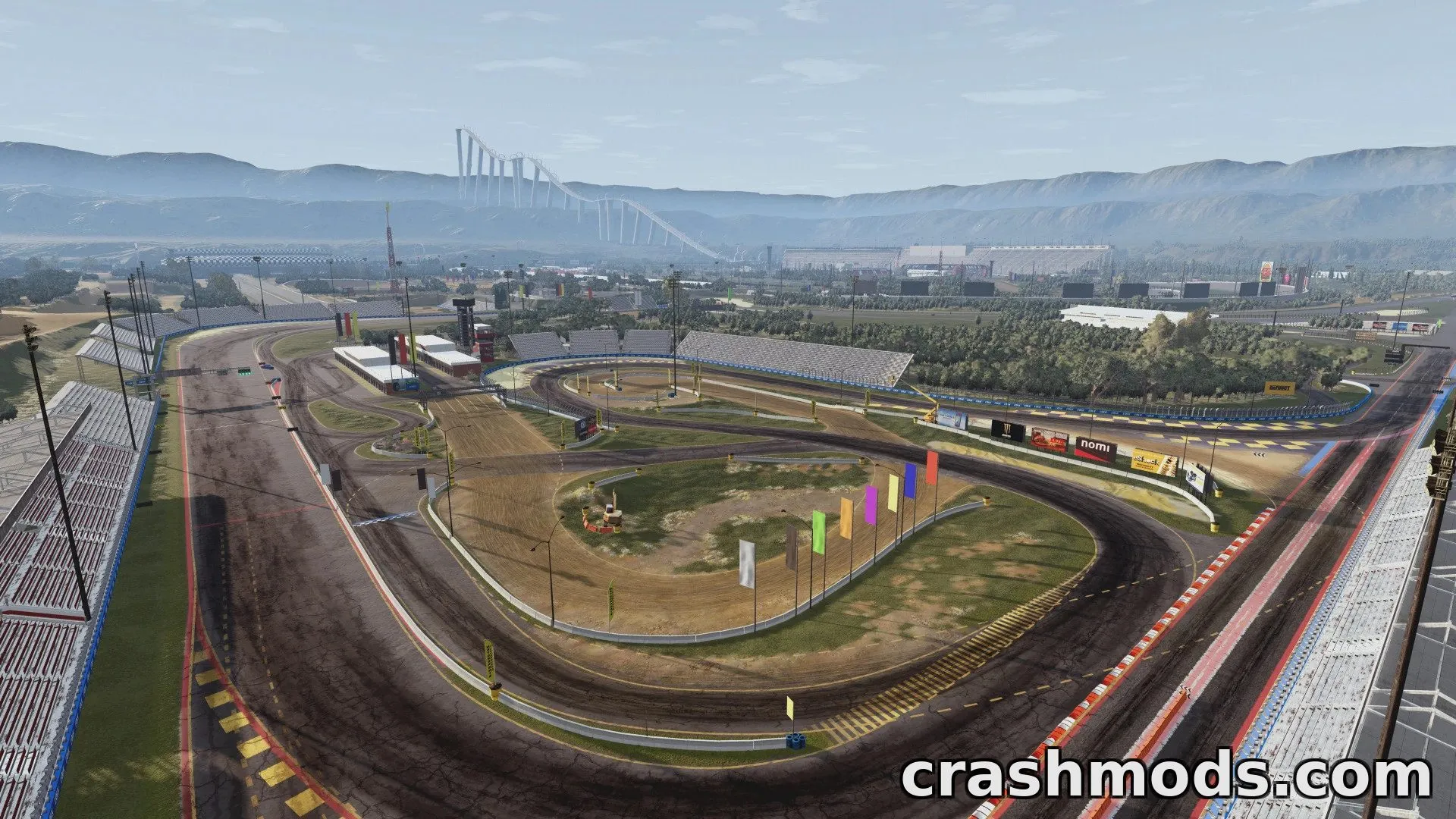
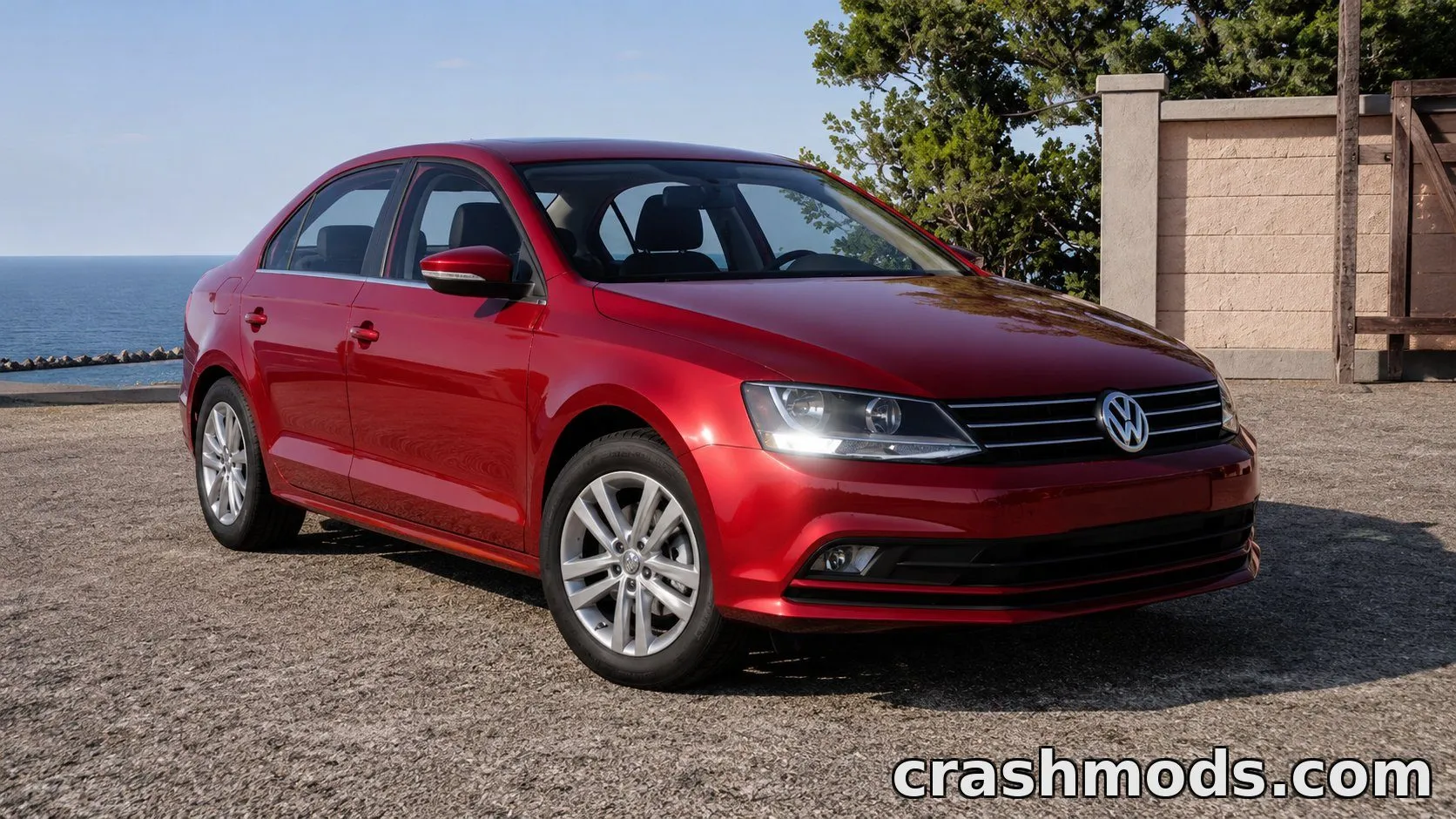
Temporal Anti-Aliasing adds a TAA pass on top of the game’s rendering to smooth out jagged edges and shimmering, giving the 0.39.x version a cleaner, calmer image. Version 1.1 introduces a user interface under the Mods tab of the pause menu, where you can switch TAA on or off and pick one of the presets or dial in your own custom settings.
The update also refines how the effect works with the camera: free-look now behaves correctly, the built-in anti-aliasing is switched off automatically while TAA is running, and jittering stops when the game is paused. Bugs and crashes tied to the Vulkan renderer have been fixed as well.
Once enabled in the mod manager the effect stays active, so it is an easy way to add extra visual polish for screenshots, videos or everyday driving.