Skip to content
Join our Discord for updates & support Discord

Ask to Wait Here – Sim Standby Interaction V2.5

0 downloads
34.9 KB file size
0 comments
0 videos
The Sims 4 More Sims 4 Mods Explore more high-quality The Sims 4 mods. Browse Mods

—/5, 0 ratings

Your rating

Creator: bloombatter

File verified — safe
All 75 security engines found this file clean.
Last checked: 2026-10-31
Security report

Features:

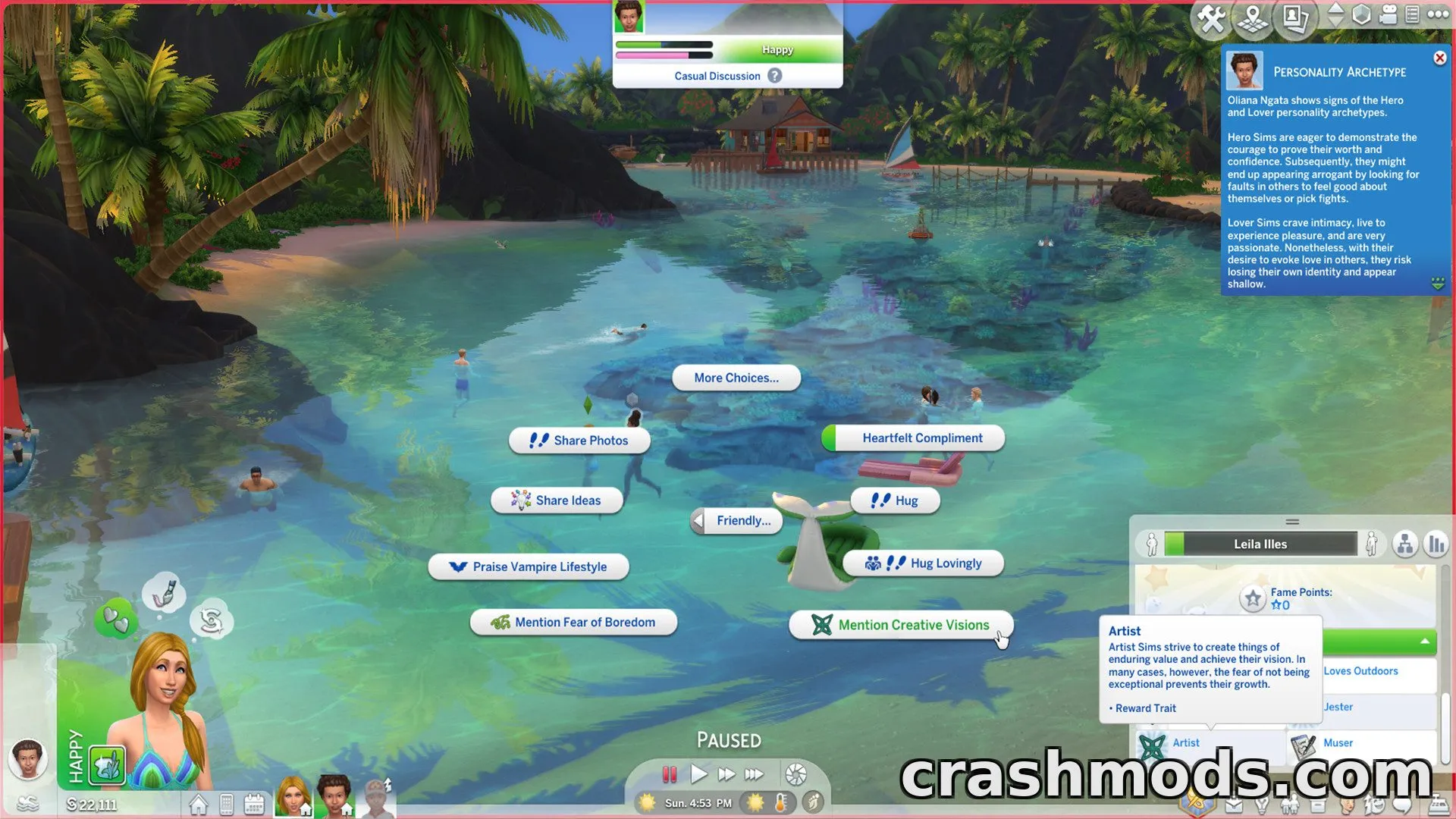
  • Adds Ask to Wait Here and Wait Here options to the ground-click menu
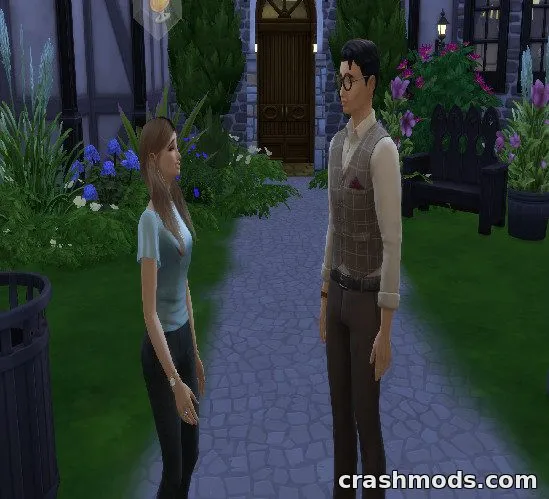
  • Both the player Sim and an acquaintance-level NPC will wait at the chosen spot
  • Default wait time is random, lasting about 40 to 60 seconds
  • Ask to Move interaction lets you interrupt a waiting Sim
  • Works as a Group Action to make multiple Sims wait together
  • Cancel Standby State of Group option clears waiting status for the whole group
  • Sims can still act autonomously while waiting, such as chatting nearby
  • Compatible with Playground Platforms and Dance Floors, triggering dancing on dance floors
  • Optional 5-minute addon file extends the wait duration for longer standby scenes
  • Debug version available via shift-click when test cheats are enabled
  • Requires the Lot 51 Core Library to function

Ask to Wait Here is a gameplay mod for The Sims 4 that gives you more control over how your Sims behave while waiting for your next command. Instead of wandering off to chat with random Sims, they can now be told to stay put at a specific location.

The mod adds a simple ground-click interaction that works for both your active Sim and nearby acquaintances, letting them pause together for a set amount of time. A Group Action version lets several Sims wait as a group, and an Ask to Move option makes it easy to end the waiting state early. An optional addon extends the wait time to five real-world minutes for players who want longer standby scenes, and the interaction also works with Playground Platforms and Dance Floors.

This mod suits players who enjoy directing Sims closely in storytelling or screenshot scenarios but still want them to behave naturally rather than freezing in place. It keeps some autonomous behavior active, such as casual chatting, so waiting Sims still feel alive while staying near the spot you chose.

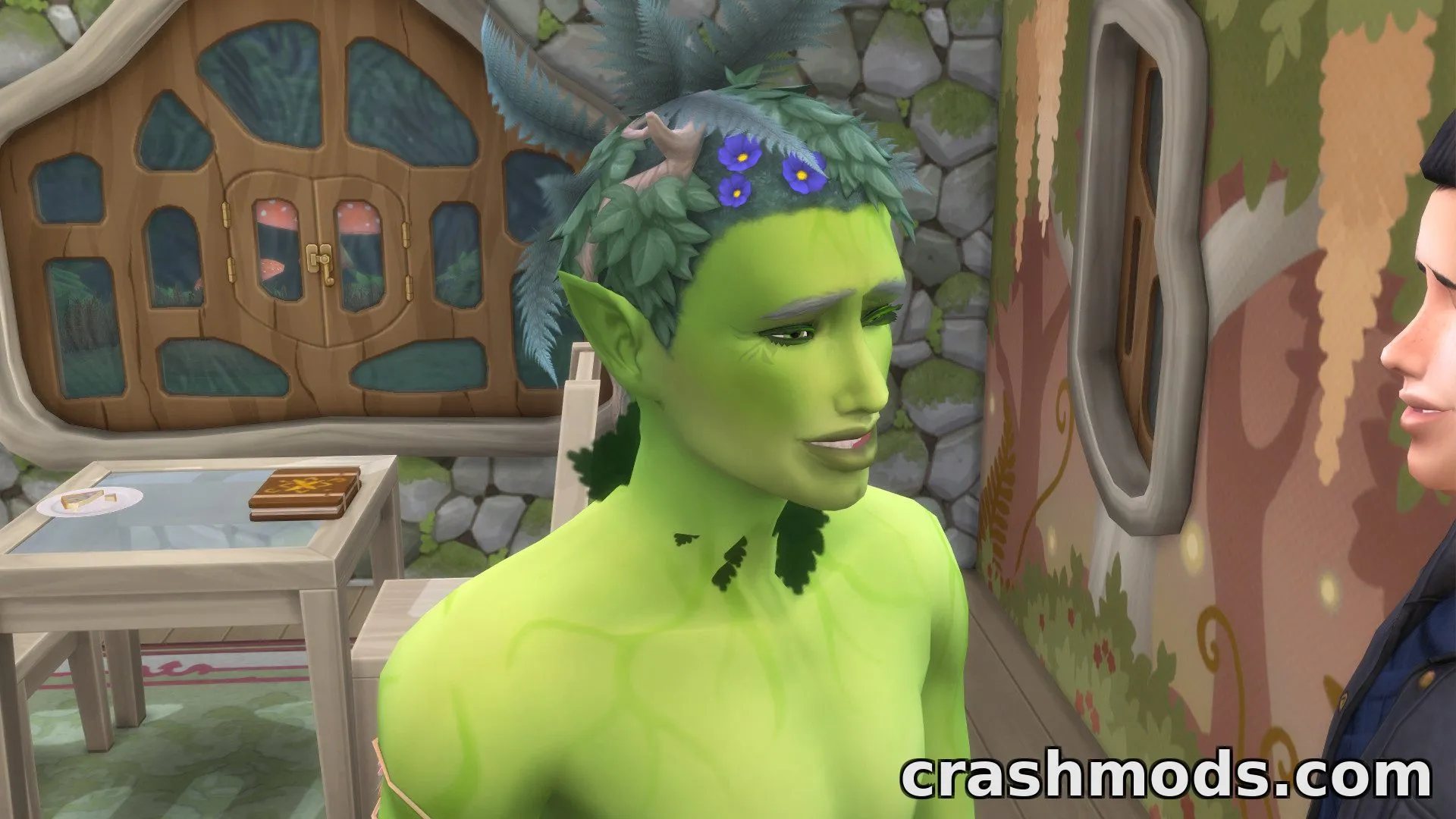
✅ Description reviewed by the CrashMods Team

Changelog

V2.5:
- September 2, 2026: Wait interaction now available for Playground Platforms and Dance Floors
- September 26, 2025: Required mod changed to Lot 51 Core Library
- September 26, 2025: Interaction no longer appears when clicking on a spot the Sim cannot reach
- September 26, 2025: Adjusted display priority of ground-click interactions
- September 26, 2025: 5-minute version integrated as an addon file
Frequently asked questions6 questions

Ask to Wait Here – which game and version is it for?

This mod was made for The Sims 4. The mod's own version: V2.5. After a major game update, older mods may stop working — check the version before installing.

Ask to Wait Here – how do I install it?

Put the .package files in the Documents/Electronic Arts/The Sims 4/Mods folder and enable custom content in the game settings.

Is the download safe?

We checked the file with VirusTotal: none of the 75 antivirus engines flagged it. The full report opens from the "Verified" badge on the mod's page.

How big is the download?

The mod's file size is about 34.9 KB.

Ask to Wait Here – who made it?

The mod's original creator: bloombatter.

Is the mod free?

Yes, downloading from CrashMods is free; registration is not required.

Download Get the latest version of this mod and enjoy!

Latest Mod version: V2.5 The Sims 4 All versions 1 minute ago 34.9 KB
Ask to Wait Here – Sim Standby Interaction V2.5 34.9 KB The Sims 4 Download File

The file is on ModsDrop, our own storage.

  • Scannedwith VirusTotal
  • EU serversFast & reliable
  • Free downloadNo registration needed
  • Latest versionAlways up to date

More The Sims 4 Mods mods

Uploaded by

DustyPixel
DustyPixel LITE
  • 375 mod
  • 1 follower
  • 1,239 download
  • Registered 2 months ago

Community screenshots

Screenshots from players using this mod. Add yours — images only (JPG, PNG, WebP).

No community screenshots yet — be the first!

Leave a comment