Skip to content
Join our Discord for updates & support Discord

Dark Mode UI – Sleek Interface Override V2.0

0 downloads
44.2 MB file size
0 comments
0 videos
The Sims 4 More Sims 4 Mods Explore more high-quality The Sims 4 mods. Browse Mods

—/5, 0 ratings

Your rating

Creator: Dskecht

File verified — safe
All 74 security engines found this file clean.
Last checked: 2026-10-31
Security report

Features:

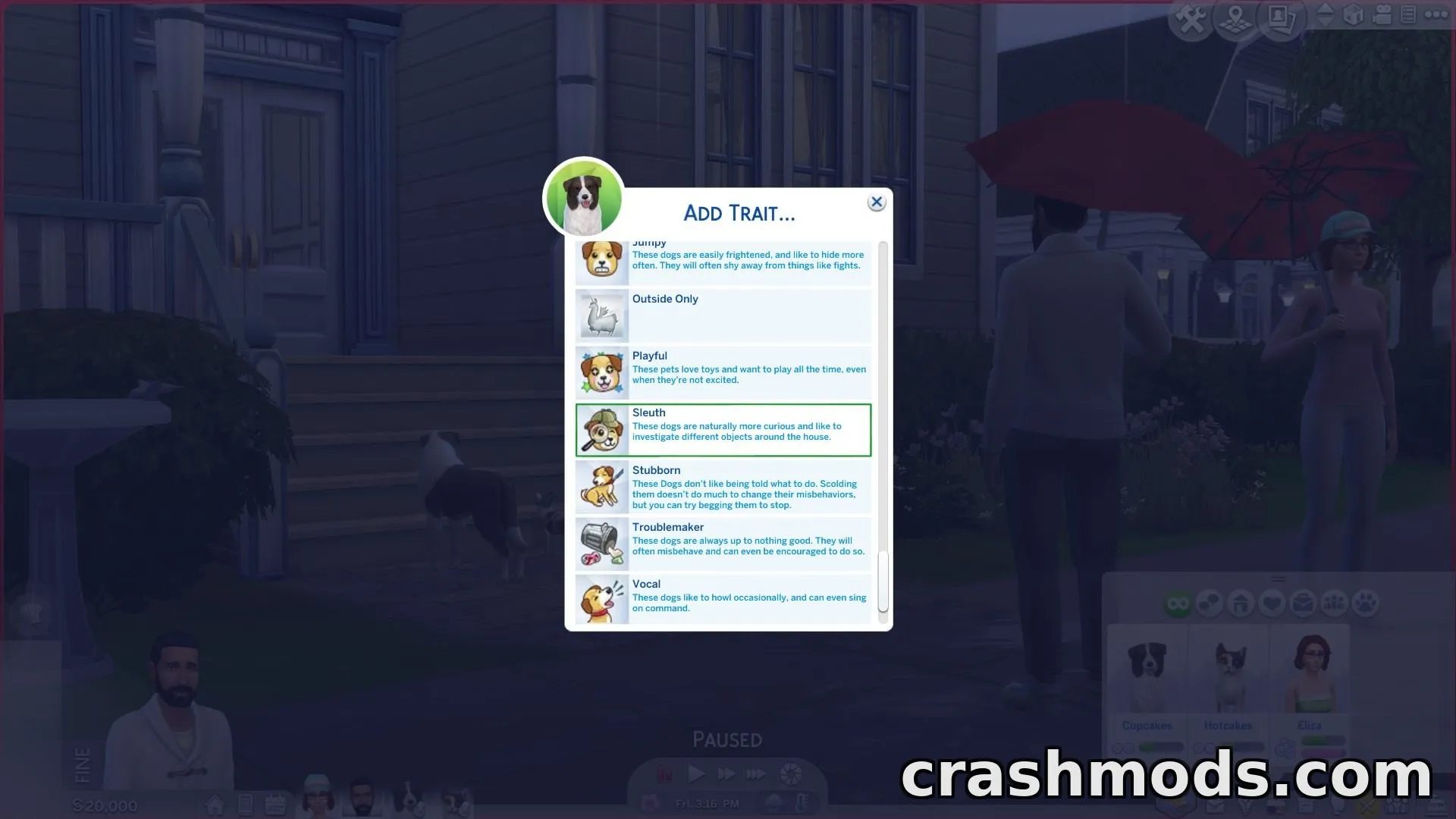
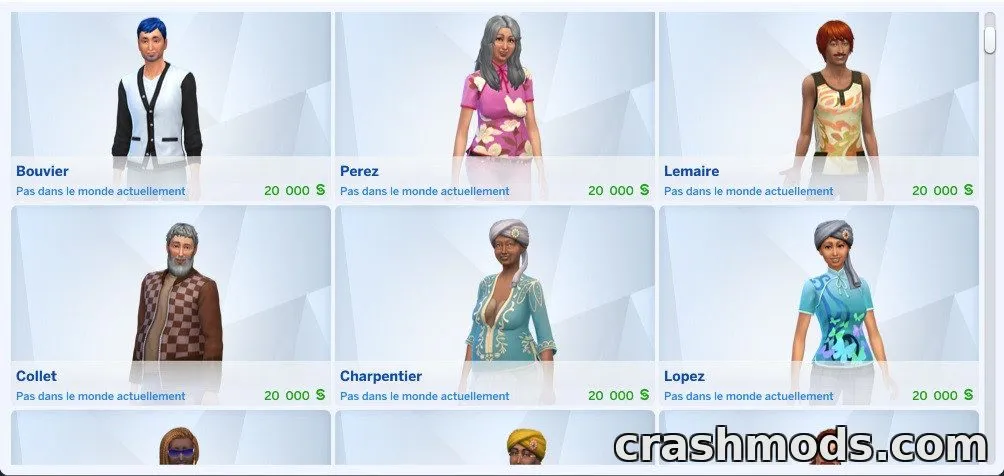
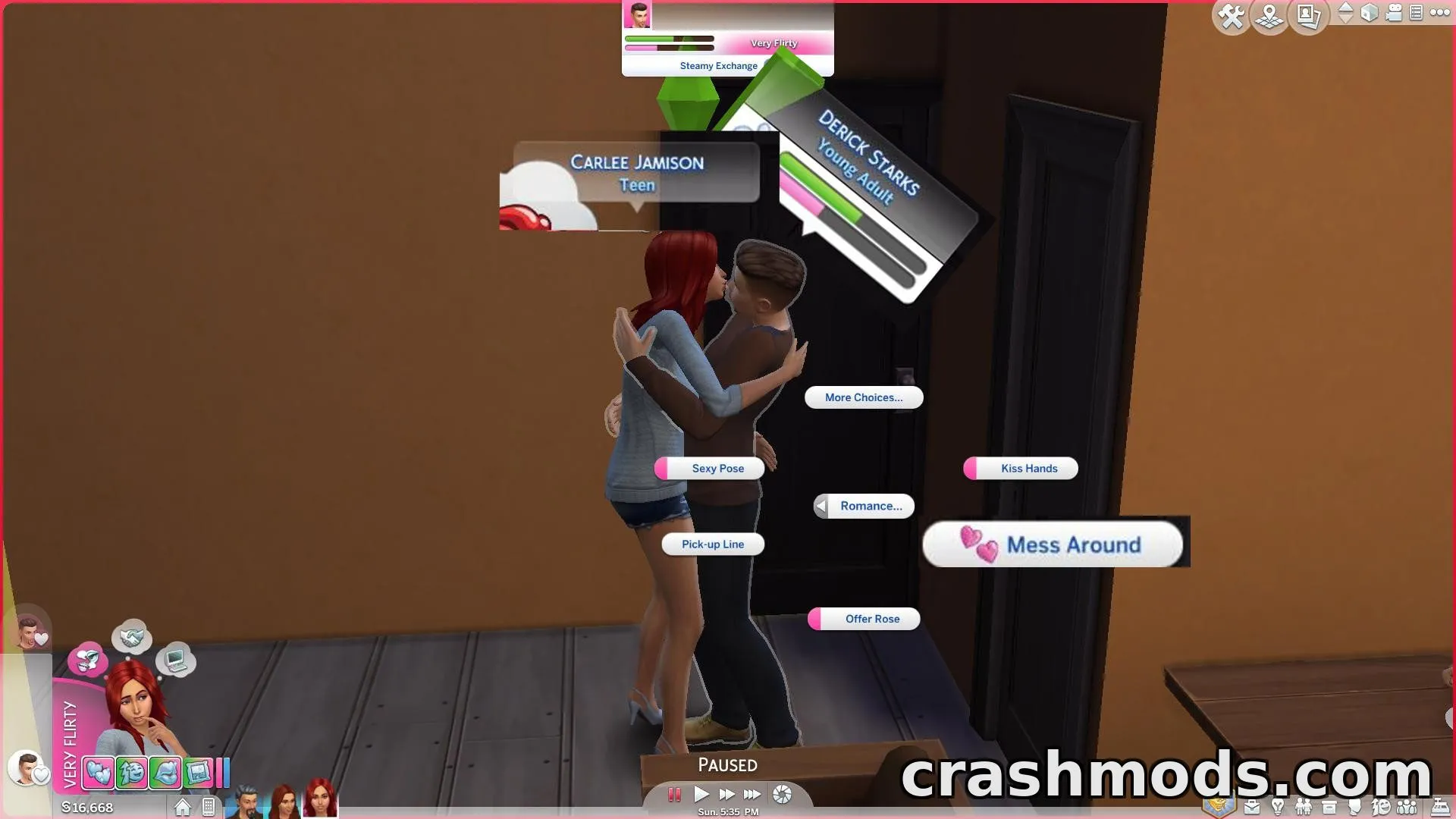
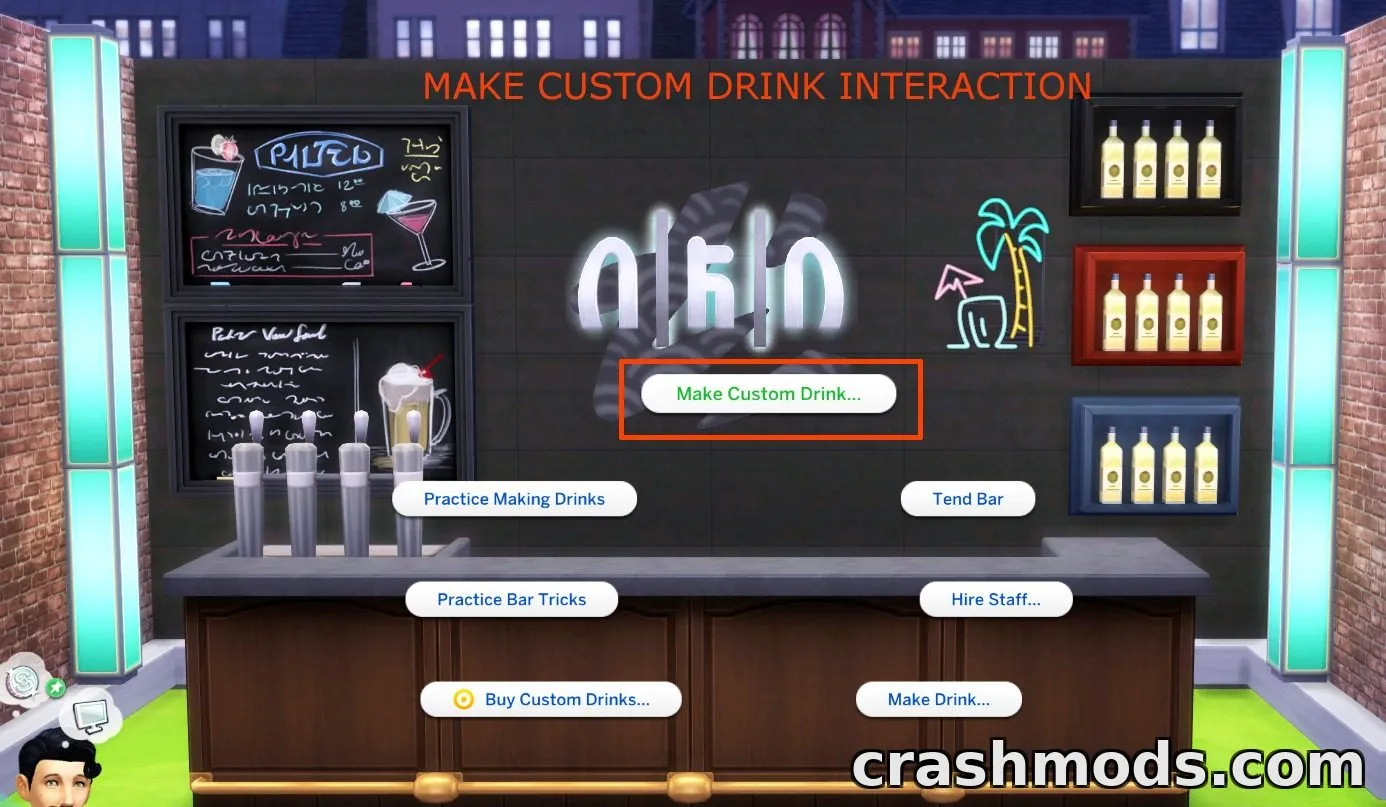
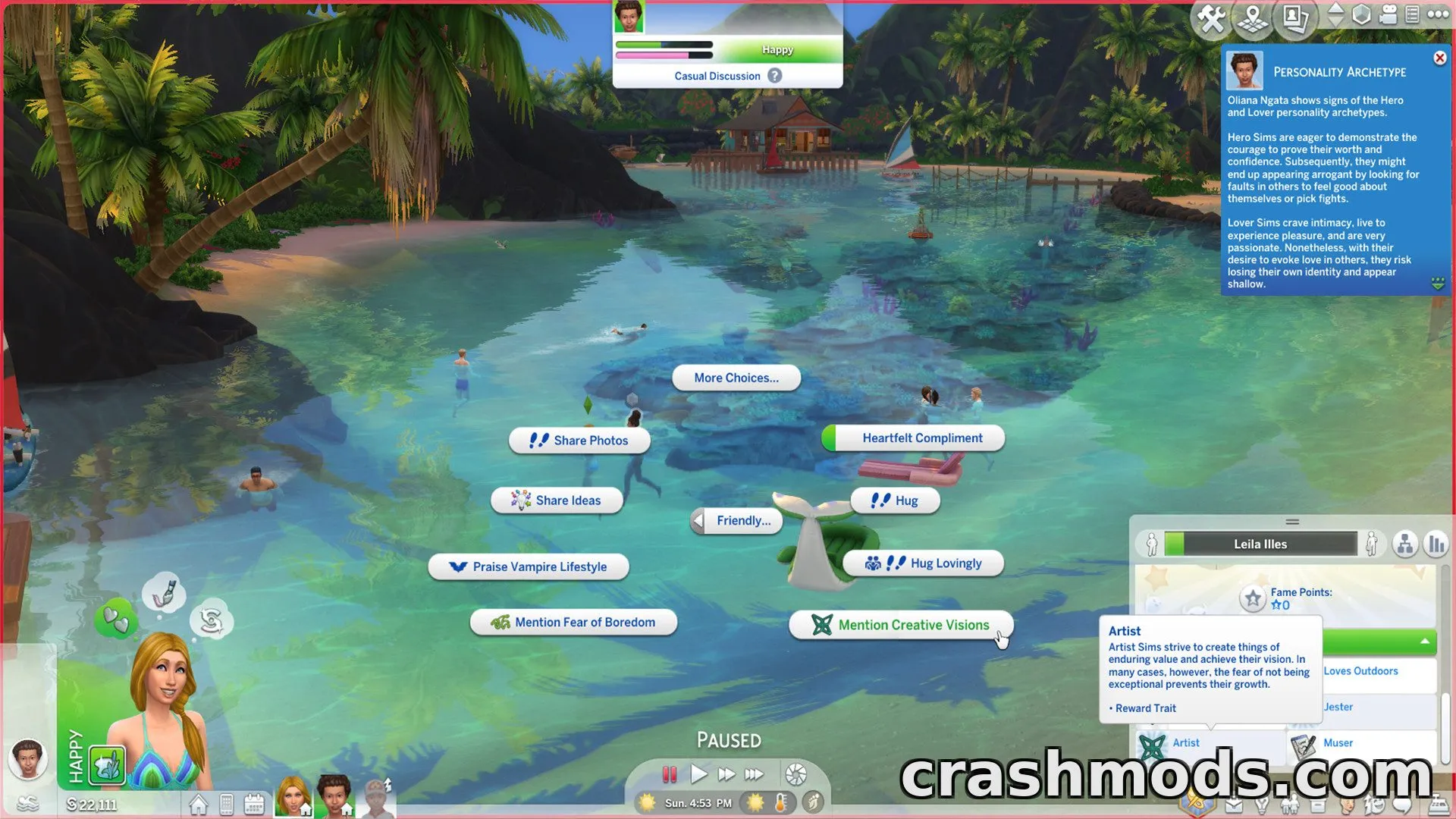
  • Recolors the entire in-game interface with a dark theme
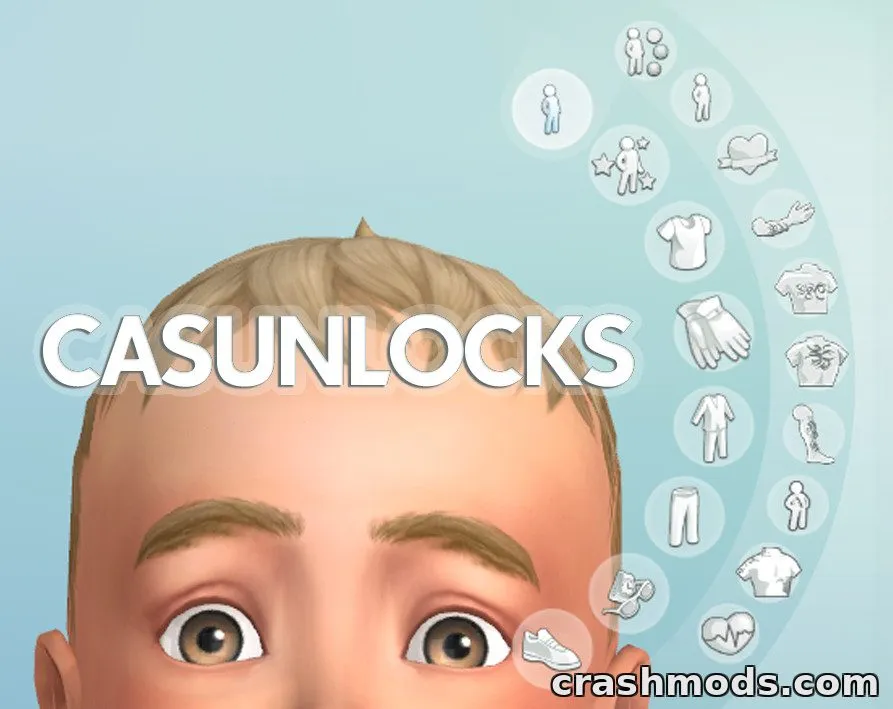
  • Covers live mode, buy/build mode, and create-a-sim menus
  • Includes optional patches for popular third-party mods like UI Cheats Extension and Better Simology Panel
  • Improves compatibility with WickedWhims and BetterBuildBuy
  • Custom textures included to prevent conflicts with other mods
  • Fixes visual glitches in gallery, phone, and notification menus
  • Regularly updated to stay compatible with new game patches
  • Part of a series with alternate color themes (Pink, Purple, Blue, Green, Red, Yellow, Beige)
  • Approximately 44 MB file size

Dark Mode UI is an interface override for The Sims 4 that recolors the game's menus and panels with a sleek dark theme, replacing the default bright color scheme.

The mod touches nearly every part of the interface, including live mode, buy and build mode, create-a-sim, the gallery, and the phone menu. It also comes with optional patches to keep popular third-party mods like UI Cheats Extension, Better Simology Panel, and WickedWhims working smoothly alongside the dark theme.

Frequent updates keep the mod aligned with new game patches, fixing visual bugs, improving text readability, and expanding compatibility with other interface-related mods.

This is ideal for players who want a complete visual overhaul of their game's interface and prefer a darker, easier-on-the-eyes look while playing.

✅ Description reviewed by the CrashMods Team

Changelog

V2.0:
- Updated for latest game patch; color corrections across the interface
- Fixed Buy and Build mode catalog issue
- Added new patches for Quick Save Button, Plumfruit Essentials, and Better Simology Panel
- Fixed gallery username display bug
- Improved compatibility with UI Cheats Extension and Smarter Pie Menu
- Various minor fixes to live mode and buy/build mode visuals
Frequently asked questions6 questions

Dark Mode UI – which game and version is it for?

This mod was made for The Sims 4. The mod's own version: V2.0. After a major game update, older mods may stop working — check the version before installing.

Dark Mode UI – how do I install it?

Put the .package files in the Documents/Electronic Arts/The Sims 4/Mods folder and enable custom content in the game settings.

Is the download safe?

We checked the file with VirusTotal: none of the 74 antivirus engines flagged it. The full report opens from the "Verified" badge on the mod's page.

How big is the download?

The mod's file size is about 44.2 MB.

Dark Mode UI – who made it?

The mod's original creator: Dskecht.

Is the mod free?

Yes, downloading from CrashMods is free; registration is not required.

Download Get the latest version of this mod and enjoy!

Latest Mod version: V2.0 The Sims 4 All versions just now 44.2 MB
Dark Mode UI – Sleek Interface Override V2.0 44.2 MB The Sims 4 Download File

The file is on ModsDrop, our own storage.

  • Scannedwith VirusTotal
  • EU serversFast & reliable
  • Free downloadNo registration needed
  • Latest versionAlways up to date

More The Sims 4 Mods mods

Uploaded by

blitzcore91
  • 384 mod
  • 0 follower
  • 1,442 download
  • Registered 6 months ago

Community screenshots

Screenshots from players using this mod. Add yours — images only (JPG, PNG, WebP).

No community screenshots yet — be the first!

Leave a comment