Skip to content
Join our Discord for updates & support Discord

HQ Texture Toggle – In-Game Graphics Switch V2.3

0 downloads
9.2 KB file size
0 comments
0 videos
The Sims 4 More Sims 4 Mods Explore more high-quality The Sims 4 mods. Browse Mods

—/5, 0 ratings

Your rating

Creator: jwofles

File verified — safe
All 75 security engines found this file clean.
Last checked: 2026-11-01
Security report

Features:

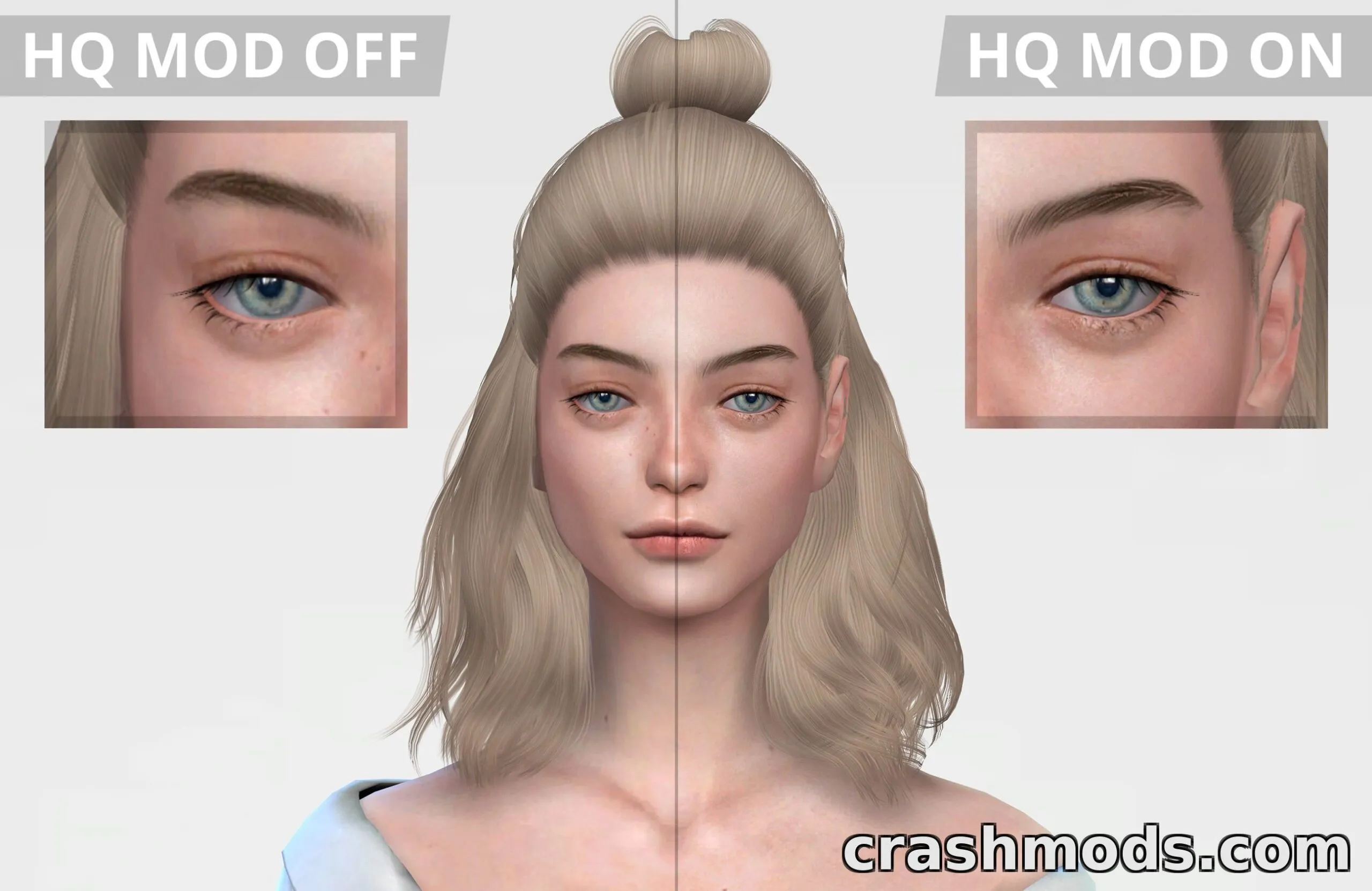
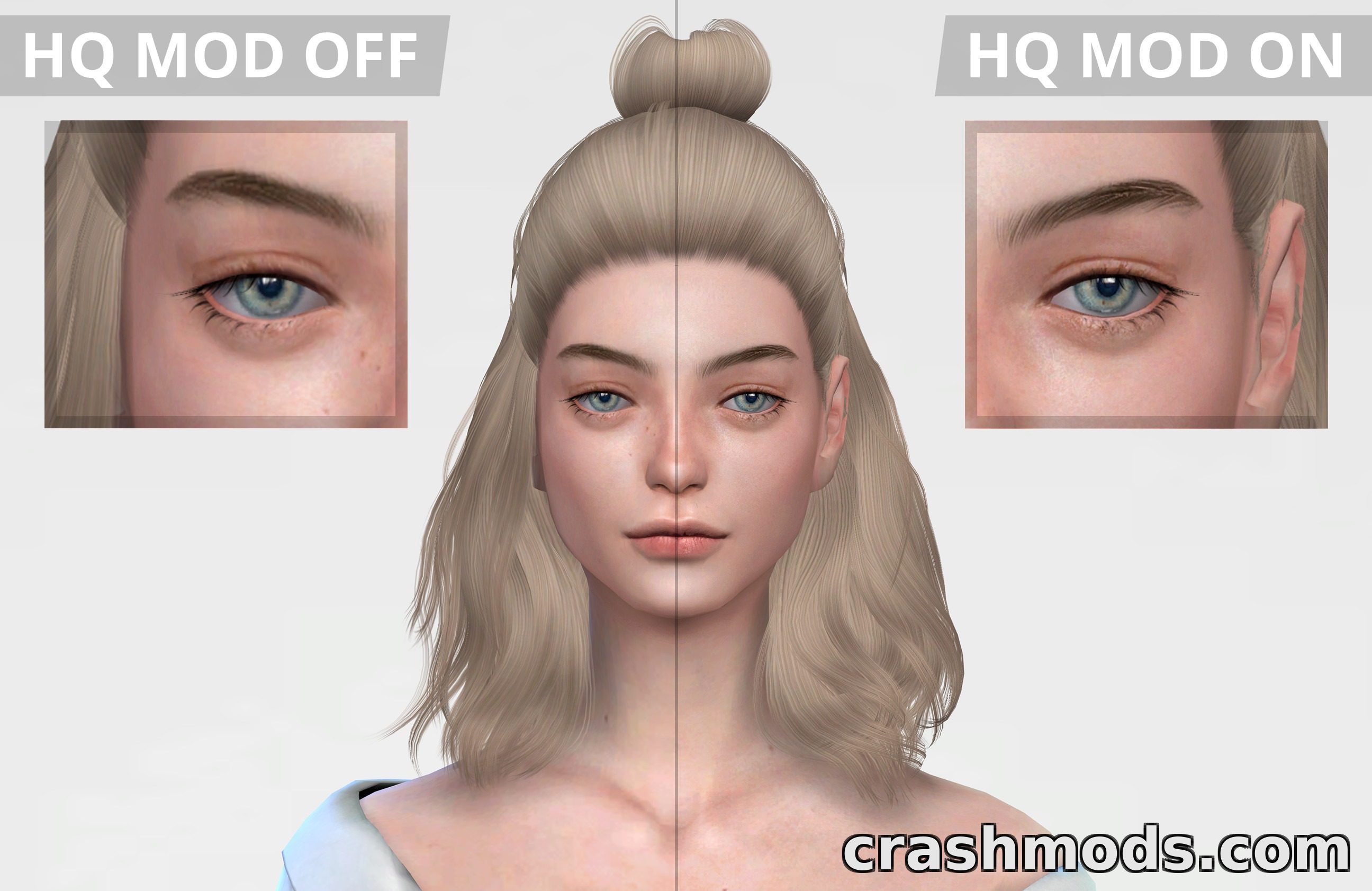
  • Adds an on/off toggle for HQ textures inside the graphics menu
  • Replaces the 'Uncompressed Sim Textures' option
  • Loads 4096×2048 textures when enabled, 2048×1024 when disabled
  • Raises max object CC texture resolution from 1024×1024 to 4096×4096
  • Enables 4K shadow maps when Lighting Quality is set to Very High
  • Disables DOF and SSAO for cleaner Reshade screenshots
  • Setting applies instantly, no game restart needed
  • Supports all game languages
  • Base game compatible, no expansion packs required
  • Requires separate HQ base game files from an outside source (not included)

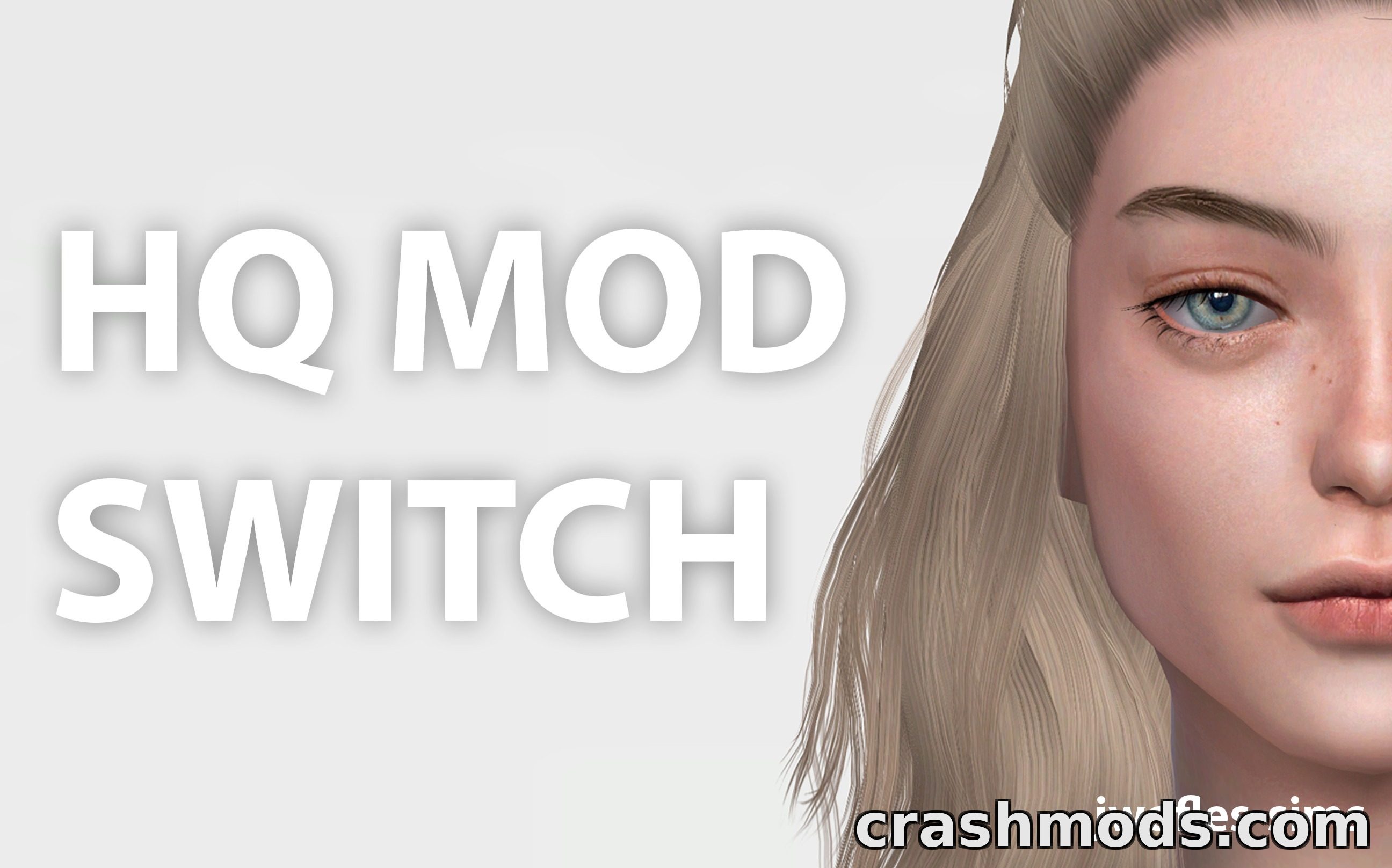
This tool gives players a convenient way to control HQ texture quality directly from the in-game graphics options, instead of relying on a permanent file swap.

Once installed, it replaces the 'Uncompressed Sim Textures' setting with a dedicated HQ toggle. Turning it on loads higher-resolution 4096×2048 sim textures, 4K shadow maps on Very High lighting, and sharper object CC textures, while turning it off reverts to normal 2048×1024 quality. It also disables depth of field and SSAO, which is handy for anyone using Reshade for screenshots.

It's aimed at Sims 4 players who want the flexibility to use HQ visuals for screenshots or cinematic shots without keeping the heavier HQ files active during regular gameplay, since HQ textures can increase disk usage and reduce performance.

✅ Description reviewed by the CrashMods Team

Changelog

V2.3 — First release.
Frequently asked questions6 questions

HQ Texture Toggle – which game and version is it for?

This mod was made for The Sims 4. The mod's own version: V2.3. After a major game update, older mods may stop working — check the version before installing.

HQ Texture Toggle – how do I install it?

Put the .package files in the Documents/Electronic Arts/The Sims 4/Mods folder and enable custom content in the game settings.

Is the download safe?

We checked the file with VirusTotal: none of the 75 antivirus engines flagged it. The full report opens from the "Verified" badge on the mod's page.

How big is the download?

The mod's file size is about 9.2 KB.

HQ Texture Toggle – who made it?

The mod's original creator: jwofles.

Is the mod free?

Yes, downloading from CrashMods is free; registration is not required.

Download Get the latest version of this mod and enjoy!

Latest Mod version: V2.3 The Sims 4 All versions 1 minute ago 9.2 KB
HQ Texture Toggle – In-Game Graphics Switch V2.3 9.2 KB The Sims 4 Download File

The file is on ModsDrop, our own storage.

  • Scannedwith VirusTotal
  • EU serversFast & reliable
  • Free downloadNo registration needed
  • Latest versionAlways up to date

More The Sims 4 Mods mods

Uploaded by

m4xwell_619
  • 407 mod
  • 0 follower
  • 1,560 download
  • Registered 6 months ago

Community screenshots

Screenshots from players using this mod. Add yours — images only (JPG, PNG, WebP).

No community screenshots yet — be the first!

Leave a comment