

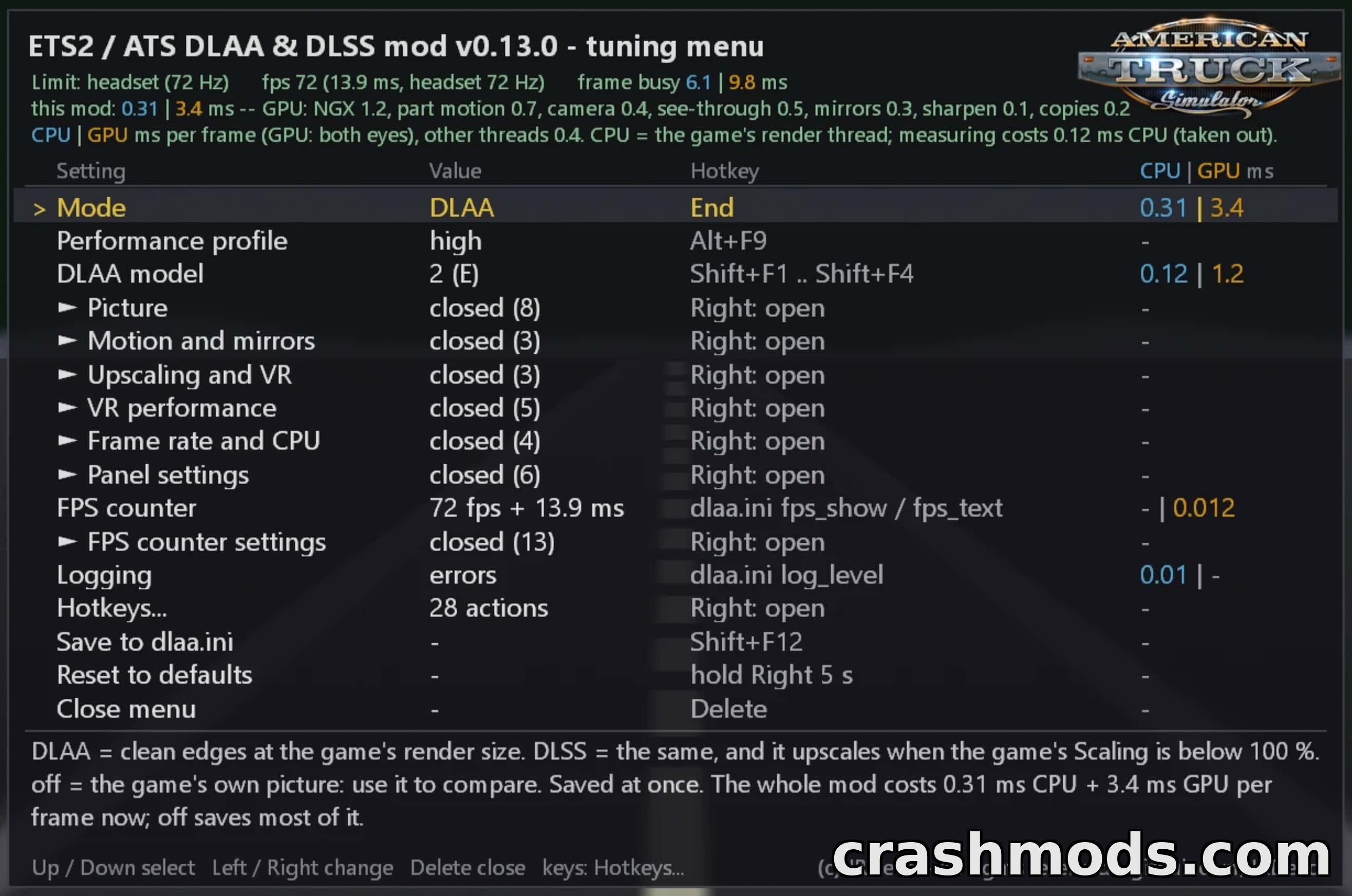

Features:
- Full-picture DLAA/DLSS with no shimmer on fences, wires, road marks or shadows
- Anti-aliased mirrors, including trailer mirrors
- Accurate motion vectors for traffic, wheels, trailers and plates to avoid ghosting
- Anti-aliased menu and truck-preview screens
- Four switchable DLSS models with live toggling
- Adjustable sharpening on top of sharper texture text
- Works in flat mode and VR (OpenXR) from one DLL and config file
- Triple-screen support in flat mode
- VR extras: hidden area mask, foveated rendering, mirrors in turns, Turbo mode
- In-game tuning menu (Delete key) showing live CPU/GPU cost per feature
- Movable, resizable panel and FPS counter
- NVIDIA Reflex support plus FPS caps for flat and VR modes
This is an unofficial fan-made injection tool that brings NVIDIA DLAA and DLSS technology into American Truck Simulator via a single dinput8.dll file. It replaces the game's built-in anti-aliasing with a sharper, native-resolution DLAA image, or lets you use DLSS upscaling to boost frame rates.
In practice it smooths out shimmering on fences, wires, road markings and shadows, keeps mirrors (including trailer mirrors) properly anti-aliased, and applies accurate motion vectors to traffic, wheels and trailers so moving objects stay sharp without ghosting. It works both on flat screens, including triple-monitor setups, and in VR through OpenXR, with extras like foveated rendering and a hidden area mask for headset users. An in-game tuning menu lets you switch between four DLSS models, adjust sharpening, and monitor the CPU/GPU cost of each feature live.
This tool is aimed at players running American Truck Simulator on an NVIDIA RTX graphics card who want cleaner image quality or better performance than the game's native anti-aliasing offers, whether playing on a desktop monitor or in VR.