
Features:
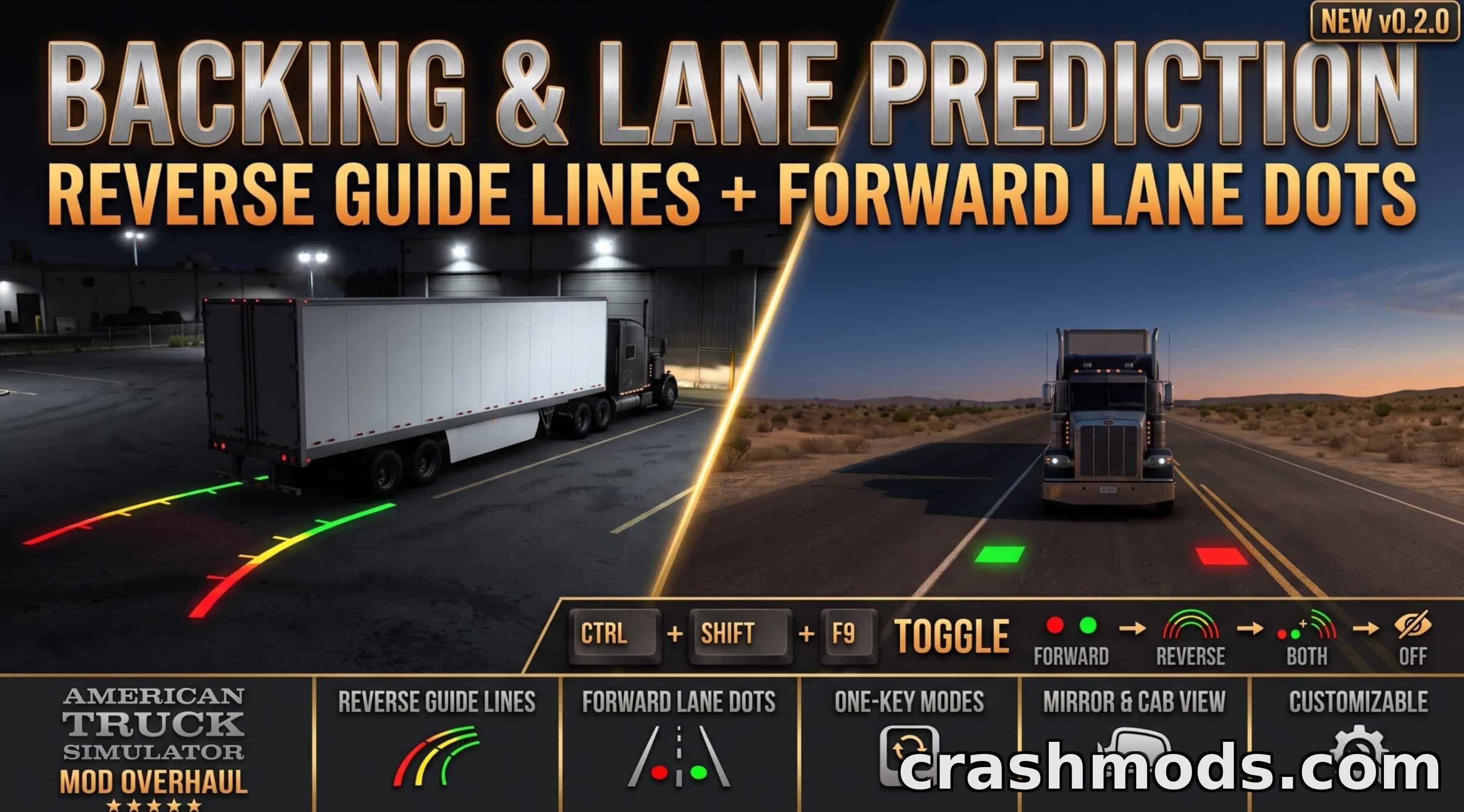
- Draws red, yellow and green guide lines from the trailer's or truck's rear corners while reversing
- Color zones mark 3m, 8m and 15m distances with tick marks at the transitions
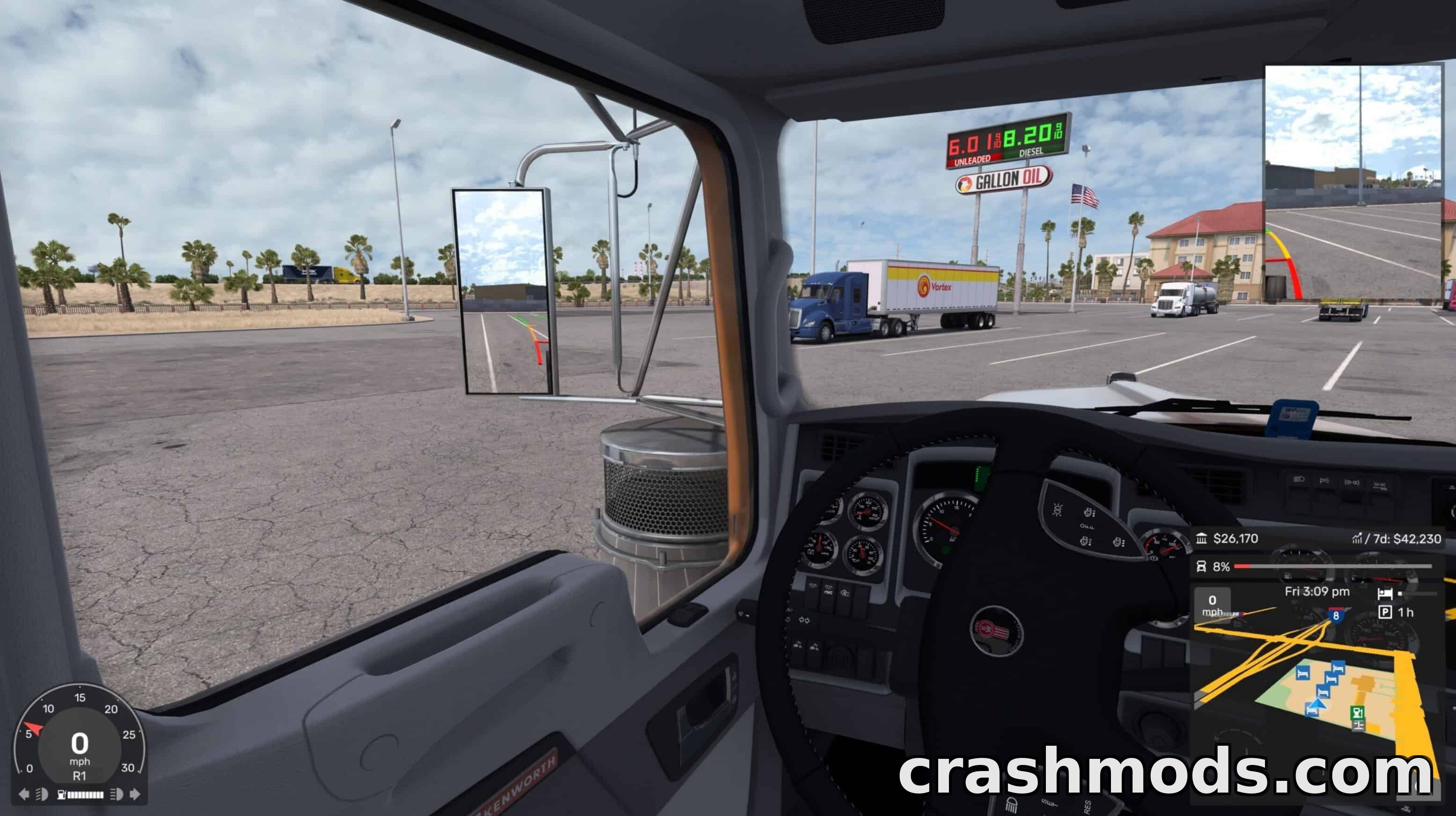
- Lines are real in-game objects, visible in every camera view and in mirrors
- Guide lines follow actual wheel angles, including lift axles and multi-steer trucks
- Supports single trailers, doubles and triples, including self-steering trailer axles
- Adds a translucent blue forward line showing your lane path, from 25m up to 40m depending on speed
- Forward line curves with steering input to stay accurate on bends
- Keyboard shortcut (Ctrl+Shift+F9) cycles between forward-only, reverse-only, both, or hidden modes
- Selected display mode is remembered between game sessions
- Line distances, height and hotkey can be customized through a settings file
- Requires a separate plugin installation alongside the mod files
- Compatible with both American Truck Simulator and Euro Truck Simulator 2 using the same plugin
This add-on brings a backup-camera-style visual aid to American Truck Simulator, drawing guide lines on the ground to help drivers judge trailer position while reversing and lane placement while driving forward.
While reversing, color-coded lines trace the path your trailer or truck will take, shifting from red to yellow to green as distance increases. A separate blue line appears in forward gear to help you stay centered in your lane, stretching farther as your speed increases. Both lines respond to real steering angles and work with single, double, or triple trailer setups, including self-steering axles.
A customizable settings file lets you adjust line distances, height, and the keyboard shortcut used to switch between display modes. This tool is ideal for drivers who want extra precision when backing into tight spaces or staying properly positioned on the road, especially those running longer or multi-trailer combinations.