Skip to content
Join our Discord for updates & support Discord

Cinematic Crash Slow-Mo – Automatic Bullet-Time Script V1.0

—/5, 0 ratings

Your rating

File verified — safe
All 74 security engines found this file clean.
Last checked: 2026-11-20
Security report

Features:

  • Automatically triggers slow-motion on crashes above 7G at speeds over 25 km/h (15 mph)
  • Slows time to 0.20x speed for 2.5 seconds after impact
  • Smoothly ramps time back to normal 1.0x speed
  • Displays on-screen peak G-force readout at the moment of impact
  • Ignores false triggers from braking, bumps, or vehicle resets
  • Compatible with all vanilla and third-party mod vehicles
  • Works on any map
  • Lightweight global Lua extension, no manual hotkeys required
  • For BeamNG.drive 0.40.x (also works on 0.37.x-0.40.x)

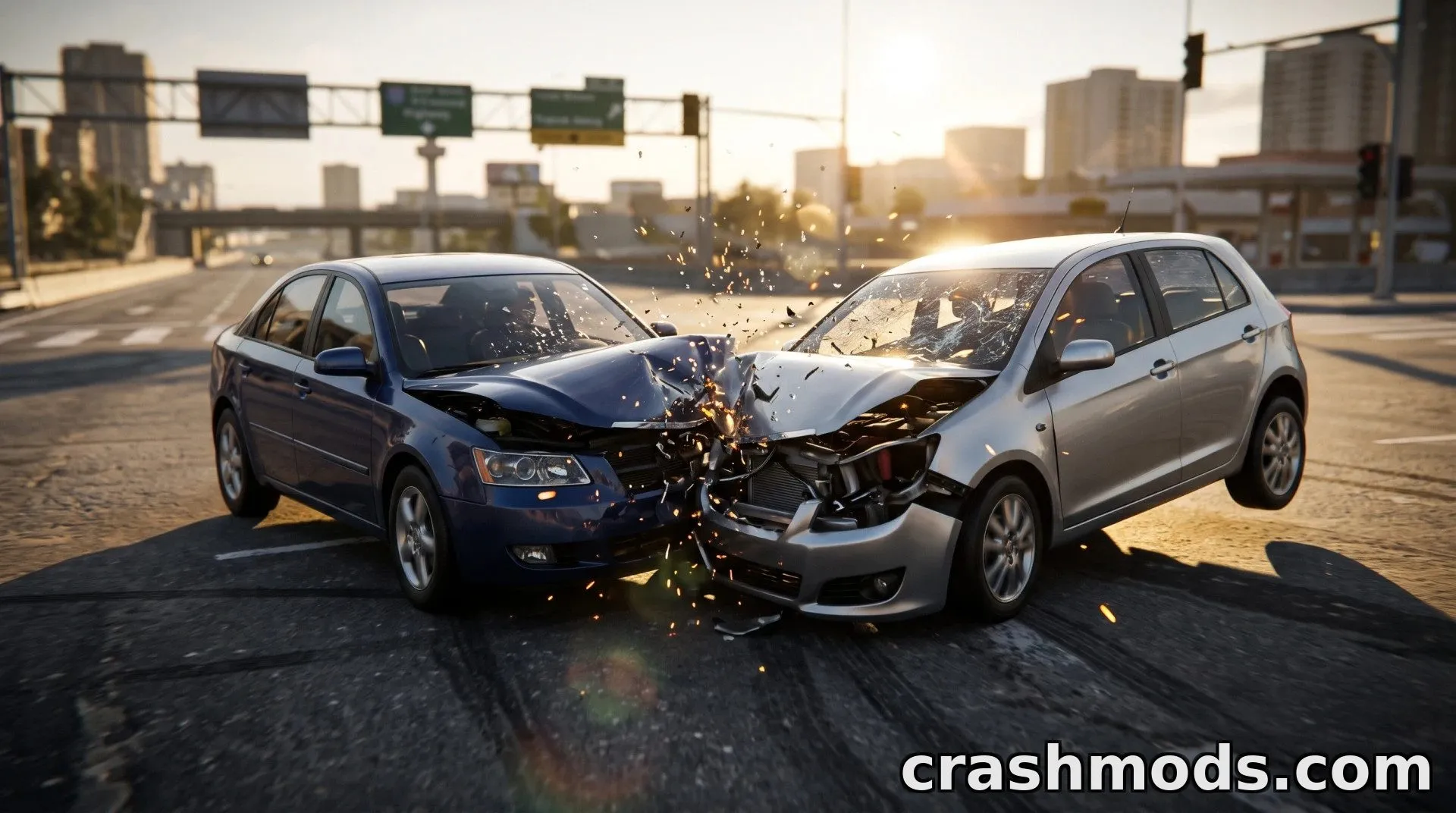
This script brings automatic cinematic slow-motion to crash moments in BeamNG.drive. Instead of manually triggering a slow-mo hotkey, it constantly monitors your vehicle's impact forces and reacts the instant a real crash happens.

When a collision exceeds a set G-force threshold at a meaningful speed, the game smoothly drops to 0.20x speed for a few seconds, letting you watch the crash unfold in detail before time ramps back up to normal. A small on-screen readout also shows the peak G-force recorded during the impact.

It's built to avoid false triggers from everyday driving such as braking or small bumps, and it works with any vehicle, including third-party mods, on any map.

This is a great pick for players who enjoy dramatic replays and cinematic crash moments without having to fumble for a slow-motion key mid-impact.

The original author of this mod is unknown. Is this your mod? Contact us and we will credit you.

✅ Description reviewed by the CrashMods Team

Changelog

V1.0 — First release.
Frequently asked questions5 questions

Cinematic Crash Slow-Mo – which game and version is it for?

This mod was made for BeamNG.drive (game version: 0.40.x). The mod's own version: V1.0. After a major game update, older mods may stop working — check the version before installing.

Cinematic Crash Slow-Mo – how do I install it?

Copy the downloaded .zip file (without extracting it) to the Documents/BeamNG.drive/<version>/mods folder, then enable it in the in-game Mod Manager.

Detailed guide

Is the download safe?

We checked the file with VirusTotal: none of the 74 antivirus engines flagged it. The full report opens from the "Verified" badge on the mod's page.

How big is the download?

The mod's file size is about 1.7 KB.

Is the mod free?

Yes, downloading from CrashMods is free; registration is not required.

What’s inside the package?3 files · 3.1 KB unpackedScripts & code 2Config & text 1Show filesHide files

Folders, file names and sizes, read from the downloadable archive.

Scripts & code — names only, these files cannot be opened: cinematicCrashSlowMo.lua, modScript.lua

Package
  • info.json342 B
1–8 / 91 / 2

Download Get the latest version of this mod and enjoy!

Latest Mod version: V1.0 BeamNG.drive 0.40.x just now 1.7 KB
Cinematic Crash Slow-Mo – Automatic Bullet-Time Script V1.0 1.7 KB BeamNG.drive Download File

The file is on ModsDrop, our own storage.

  • Scannedwith VirusTotal
  • EU serversFast & reliable
  • Free downloadNo registration needed
  • Latest versionAlways up to date

Uploaded by

WestonFly
WestonFly LITE
  • 1,381 mod
  • 0 follower
  • 15,364 download
  • Registered 7 months ago

Community screenshots

Screenshots from players using this mod. Add yours — images only (JPG, PNG, WebP).

No community screenshots yet — be the first!

Leave a comment