Skip to content
Join our Discord for updates & support Discord

Centor Small Lights – Customizable LED Marker Pack V2026.11.13

—/5, 0 ratings

Your rating

Creator: UCJOHN_

File verified — safe
All 74 security engines found this file clean.
Last checked: 2026-11-22
Security report

Features:

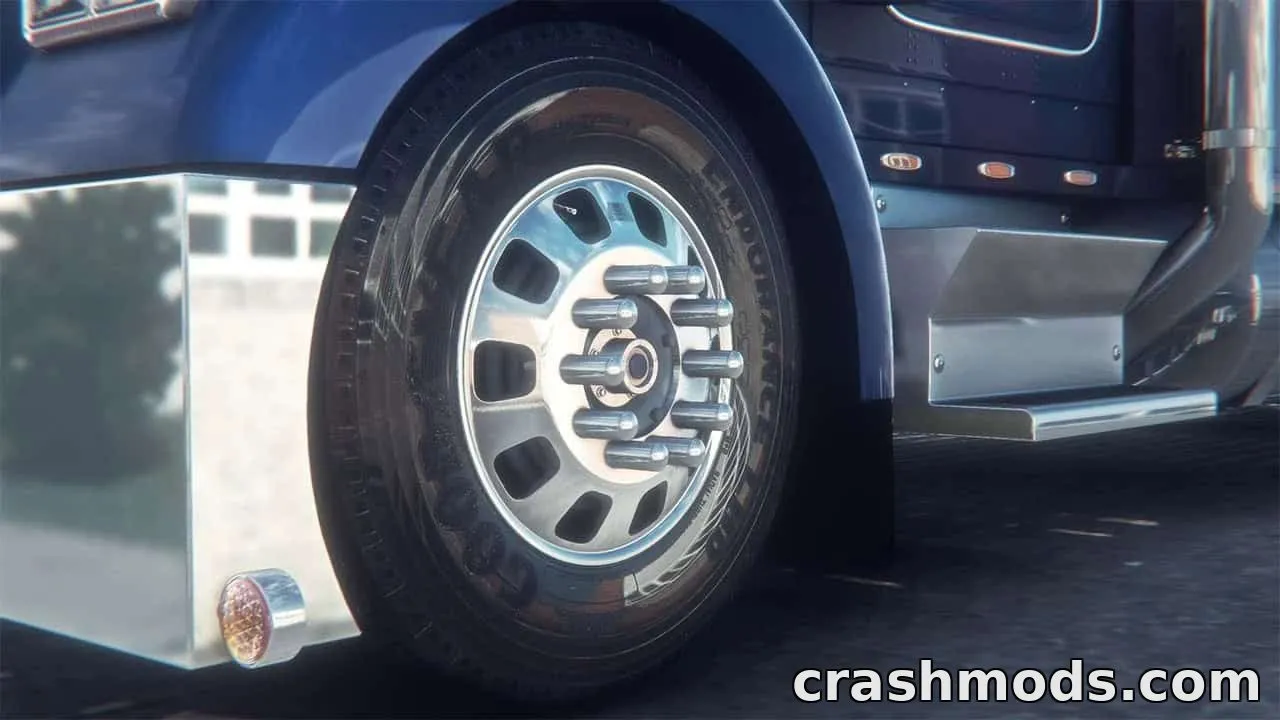
  • Adds Centor-Torpedo chrome marker lights in Small and Large sizes
  • Ten color options including Amber, Lime, Green, Cyan, Blue, Purple, Pink, Magenta, Red, and White
  • Centor-4 round LEDs in Amber and Red with steady and strobe modes, plus a White reverse light
  • Centor-Aux compact LEDs in Amber and Red, steady or strobe
  • Centor-Bullets 3/4-inch clearance lights in five colors with strobe option
  • Centor-LiteXL slim LEDs with horizontal or vertical mounting and multiple colors
  • Centor-Xtreme White LED work lights with stainless brackets
  • Supports rear-facing reverse lights and forward auxiliary lights for compatible mounts
  • Strobe patterns include Slow Single, Double, Triple, Quad, and Rapid Flash
  • Mounting points include grilles, bumpers, filters, side skirts, cab lights, and sleeper backwalls
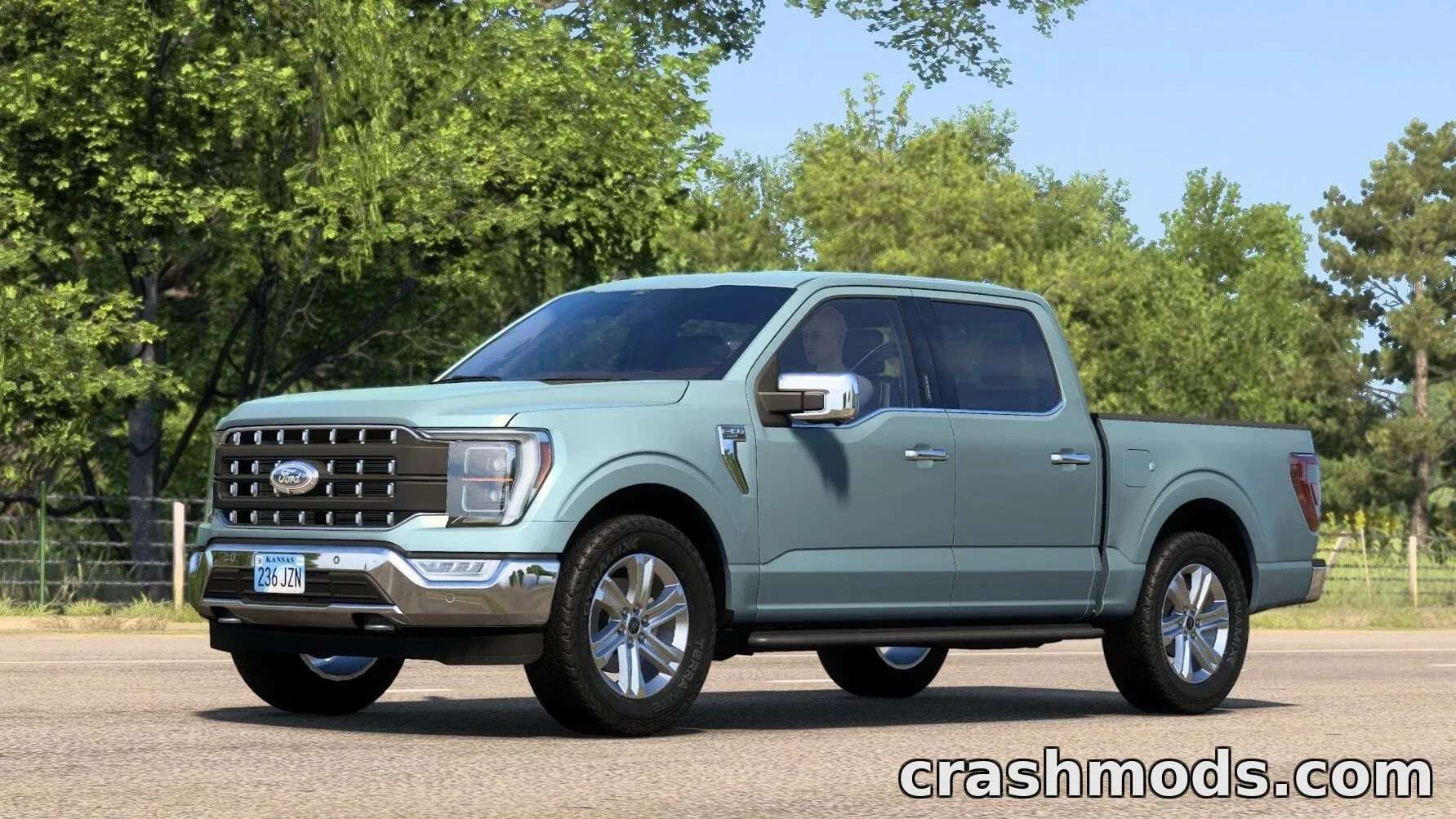
  • Ford fittings require the Road Trip DLC
  • Compatible with game version 1.62.x

This accessory pack expands truck and trailer customization with a wide range of small LED lights, including clearance markers, strobes, and work lights. Each light type offers multiple color and mounting options, letting drivers personalize their rigs down to the smallest detail.

In American Truck Simulator, the pack adds realistic lighting behavior—steady lights follow parking or running lights, while strobes and reverse lights respond to in-game controls like the Beacon switch or reverse gear. Supported mounting points span grilles, bumpers, side skirts, and sleeper areas, with some Ford-specific fittings requiring the Road Trip DLC.

It's ideal for players who enjoy fine-tuning their truck's appearance and lighting setup for a more authentic driving experience. Those upgrading from the older combined Centor Series should enable this pack alongside the companion Centor Lightbars and Vehicle Accessories packs to keep their full light collection working correctly.

✅ Description reviewed by the CrashMods Team

Changelog

V2026.11.13 — First release.
Frequently asked questions6 questions

Centor Small Lights – which game and version is it for?

This mod was made for American Truck Simulator (game version: 1.62.x). The mod's own version: V2026.11.13. After a major game update, older mods may stop working — check the version before installing.

Centor Small Lights – how do I install it?

Copy the .scs or .zip file to the Documents/American Truck Simulator/mod folder, then enable it in your profile's Mod Manager.

Is the download safe?

We checked the file with VirusTotal: none of the 74 antivirus engines flagged it. The full report opens from the "Verified" badge on the mod's page.

How big is the download?

The mod's file size is about 127.2 MB.

Centor Small Lights – who made it?

The mod's original creator: UCJOHN_.

Is the mod free?

Yes, downloading from CrashMods is free; registration is not required.

What’s inside the package?1 file · 827.9 MB unpackedNested archives 1Show filesHide files

Folders, file names and sizes, read from the downloadable archive.

The contents of nested archives are not listed.

Package
  • KDE_-_Centor_Small_Lights.scs827.9 MB
1–1 / 1

Download Get the latest version of this mod and enjoy!

Mod version: V2026.11.13 American Truck Simulator 1.62.x 2 days ago 127.2 MB
Centor Small Lights – Customizable LED Marker Pack V2026.11.13 127.2 MB American Truck Simulator Download File

The file is on ModsDrop, our own storage.

  • Scannedwith VirusTotal
  • EU serversFast & reliable
  • Free downloadNo registration needed
  • Latest versionAlways up to date

Uploaded by

RavenByte73
  • 3,487 mod
  • 2 follower
  • 20,731 download
  • Registered 5 months ago

Community screenshots

Screenshots from players using this mod. Add yours — images only (JPG, PNG, WebP).

No community screenshots yet — be the first!

Leave a comment