Skip to content
Join our Discord for updates & support Discord

Cascadia Digital Dashboard – Extra Instrument Page V1.0

—/5, 0 ratings

Your rating

Creator: Dacova

File verified — safe
All 75 security engines found this file clean.
Last checked: 2026-10-29
Security report

Features:

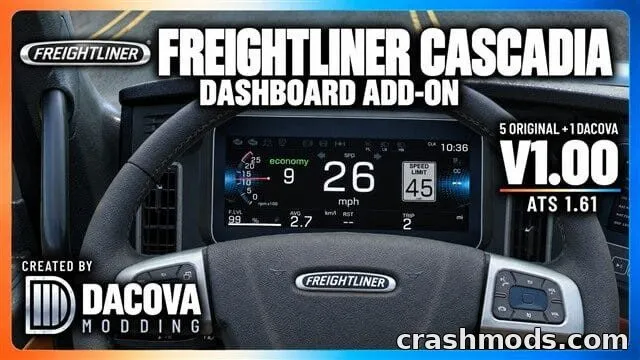
  • Adds a sixth instrument page with larger readouts
  • Keeps the five original dashboard pages intact
  • Switch pages using the standard dashboard computer control
  • Large digital speedometer with nearby RPM gauge and gear display
  • US speed limit sign shown with a gray background to reduce glare
  • Cruise-control speed displayed in green
  • Shows trip distance, average fuel use, fuel level, rest time, and clock
  • Lighting, turn signal, brake, and warning indicators included
  • Active engine brake and retarder shown in red
  • Compatible with stock Cascadia 2019 and 2024 digital dashboards, including the 72 Sleeper RR
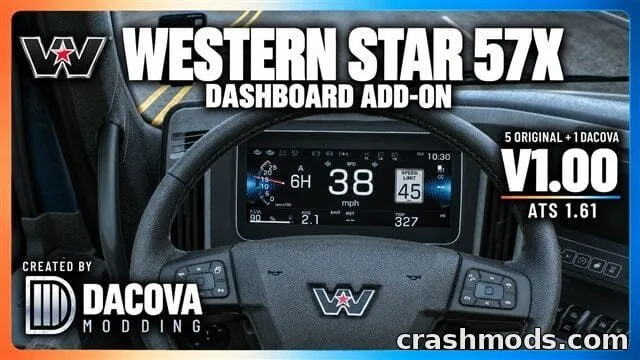
  • Can be used together with the Western Star dashboard add-on
  • Works as an optional mod in Convoy when servers allow it

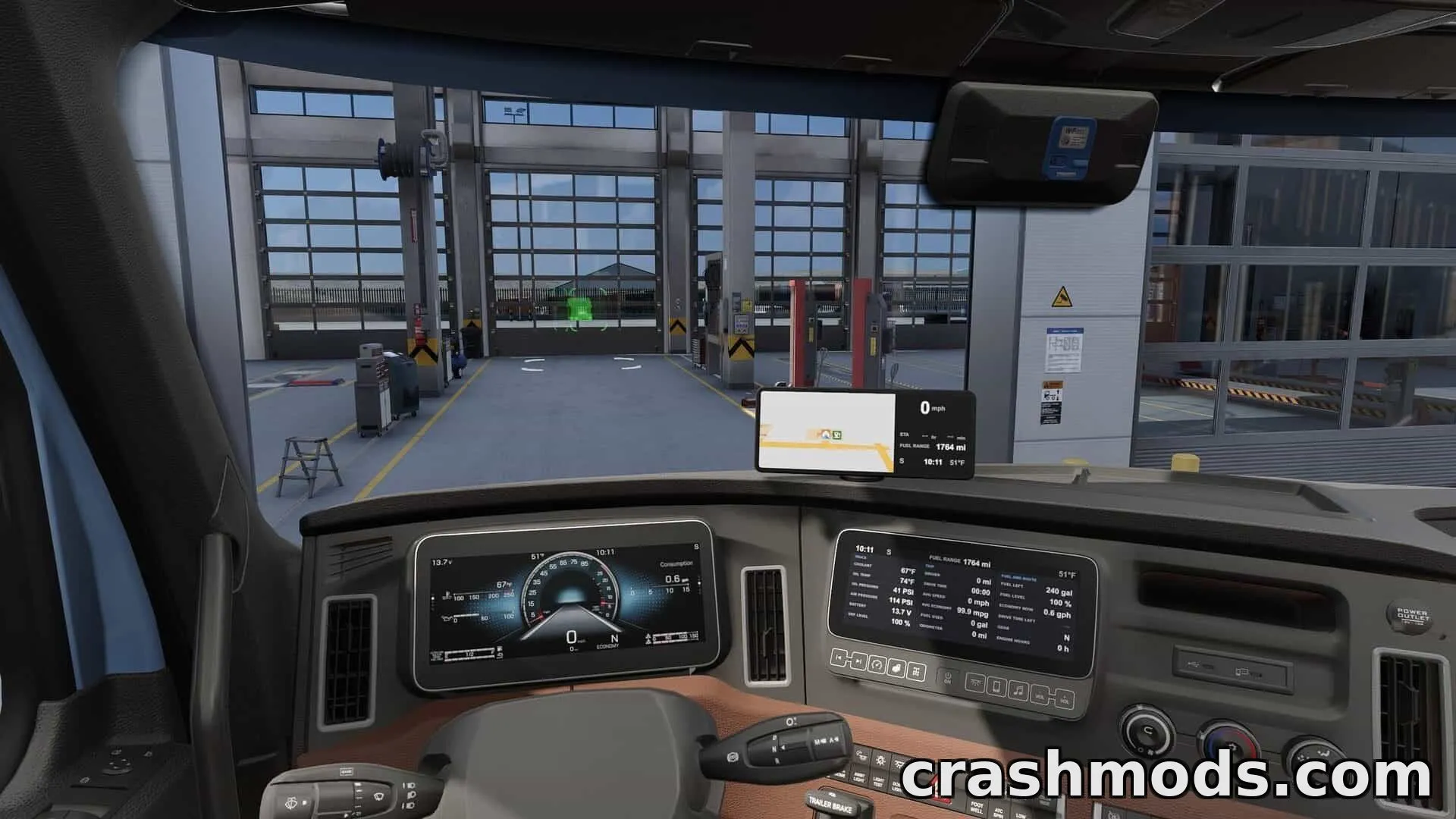
This add-on introduces an extra digital dashboard page for the Freightliner Cascadia in American Truck Simulator, built on the 1.61 game version. It keeps all five original instrument pages while adding a sixth screen with bigger, clearer readouts for speed, RPM, gear, fuel, and trip data.

In-game, drivers get a large speedometer with a US speed limit sign that dims its background to cut glare, plus a green cruise-control readout. Trip distance, average fuel consumption, fuel level, rest time, and the game clock are all laid out clearly, along with lighting, signal, brake, and warning indicators, including red highlights for the engine brake and retarder.

It's designed for Cascadia 2019 and 2024 digital dashboard setups, including the 72 Sleeper RR cab, and does not touch analog interiors. This makes it a good pick for players who want more detailed at-a-glance information without changing their truck's base look, and it can run alongside the Western Star dashboard add-on for a consistent setup across both trucks.

✅ Description reviewed by the CrashMods Team

Changelog

V1.0 — First release.
Frequently asked questions6 questions

Cascadia Digital Dashboard – which game and version is it for?

This mod was made for American Truck Simulator (game version: 1.61.x). The mod's own version: V1.0. After a major game update, older mods may stop working — check the version before installing.

Cascadia Digital Dashboard – how do I install it?

Copy the .scs or .zip file to the Documents/American Truck Simulator/mod folder, then enable it in your profile's Mod Manager.

Is the download safe?

We checked the file with VirusTotal: none of the 75 antivirus engines flagged it. The full report opens from the "Verified" badge on the mod's page.

How big is the download?

The mod's file size is about 896.8 KB.

Cascadia Digital Dashboard – who made it?

The mod's original creator: Dacova.

Is the mod free?

Yes, downloading from CrashMods is free; registration is not required.

Download Get the latest version of this mod and enjoy!

Latest Mod version: V1.0 American Truck Simulator 1.61.x just now 896.8 KB
Cascadia Digital Dashboard – Extra Instrument Page V1.0 896.8 KB American Truck Simulator Download File

The file is on ModsDrop, our own storage.

  • Scannedwith VirusTotal
  • EU serversFast & reliable
  • Free downloadNo registration needed
  • Latest versionAlways up to date

More American Truck Simulator Interiors mods

Uploaded by

RavenByte73
  • 2,738 mod
  • 1 follower
  • 5,814 download
  • Registered 4 months ago

Community screenshots

Screenshots from players using this mod. Add yours — images only (JPG, PNG, WebP).

No community screenshots yet — be the first!

Leave a comment